> ## Documentation Index
> Fetch the complete documentation index at: https://docs.ghostable.dev/llms.txt
> Use this file to discover all available pages before exploring further.
# Deploy Tokens
> Issue, rotate, revoke, and copy deploy token secrets from the desktop client.
Learn when to use deploy tokens instead of a linked human device.
## Where Deploy Tokens Live
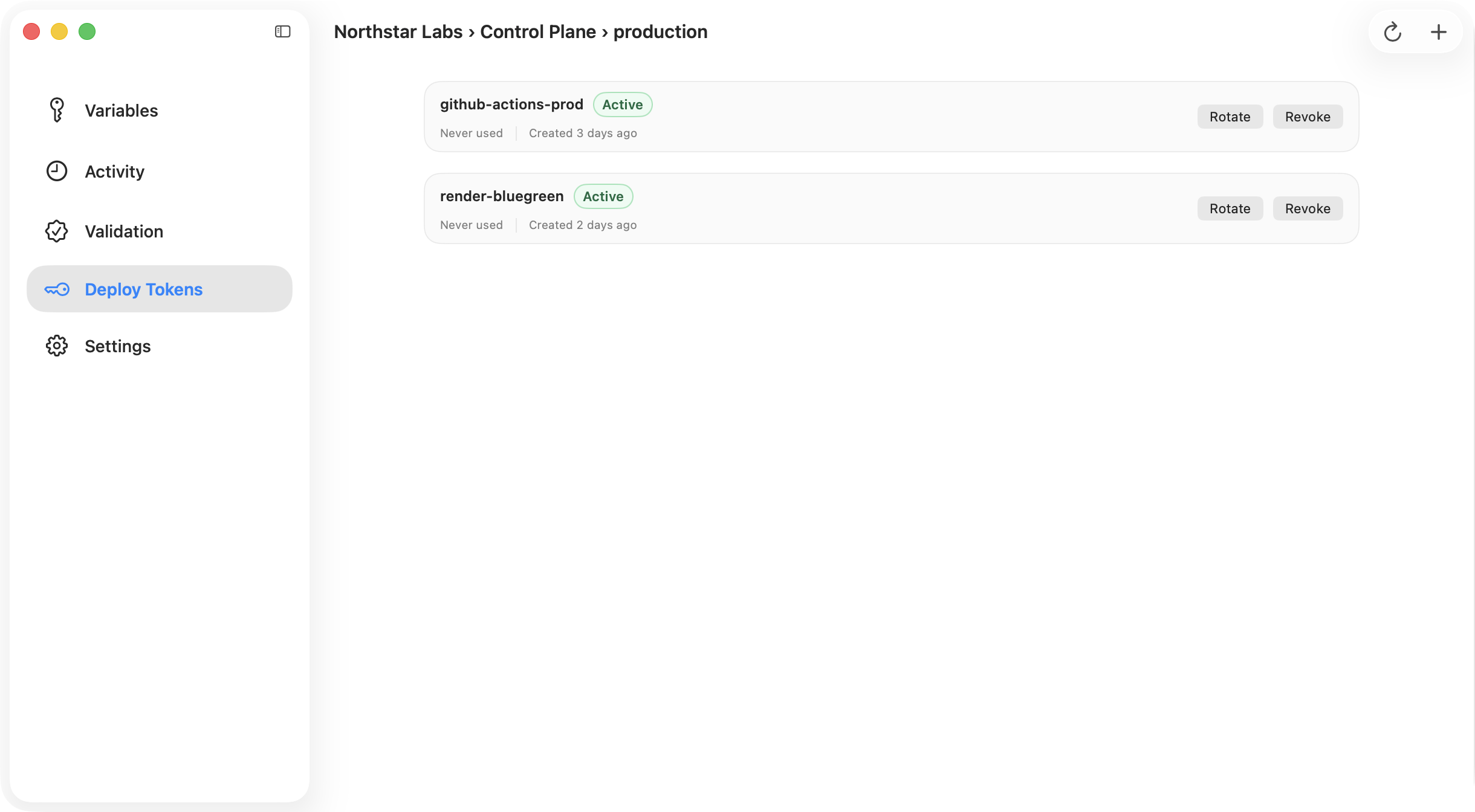
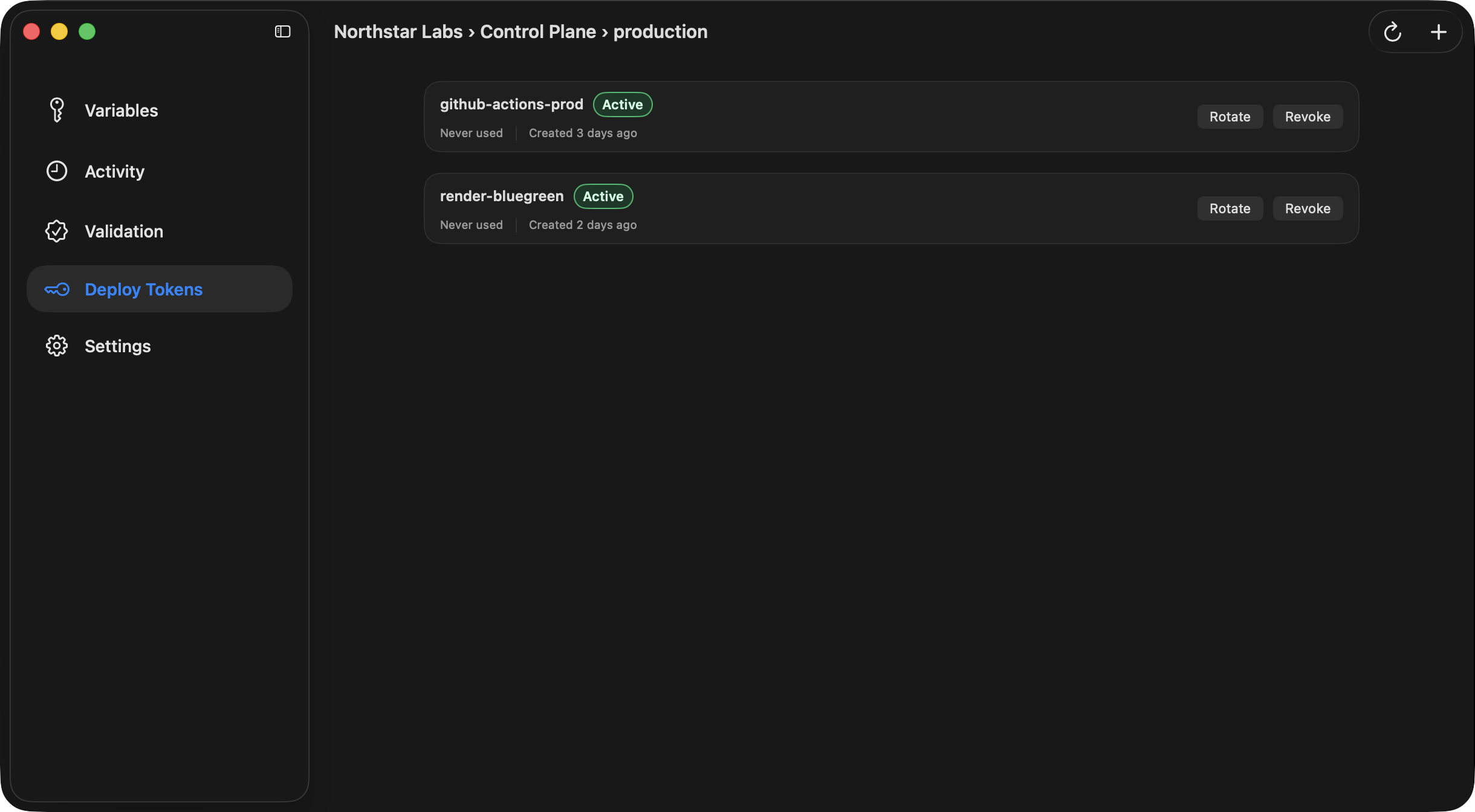
Open an environment window and switch to **Deploy Tokens**. This view is scoped to the current
environment so you can keep automation credentials tight.
{/* ghostable:screenshot-output desktop-deploy-tokens-list:start */}
 ## What You Can Do
Desktop supports the full token lifecycle:
* create a token,
* rotate the cryptographic secret for an existing token,
* revoke a token,
* delete a token record.
When you create or rotate a token, the app shows the resulting automation secrets so you can move
them into your CI secret manager immediately.
## Export Block for CI
The result sheet includes a copyable environment-variable block so you can paste the issued values
into GitHub Actions, your deployment provider, or another secret manager workflow.
{/* ghostable:screenshot-output desktop-deploy-token-result:start */}
## What You Can Do
Desktop supports the full token lifecycle:
* create a token,
* rotate the cryptographic secret for an existing token,
* revoke a token,
* delete a token record.
When you create or rotate a token, the app shows the resulting automation secrets so you can move
them into your CI secret manager immediately.
## Export Block for CI
The result sheet includes a copyable environment-variable block so you can paste the issued values
into GitHub Actions, your deployment provider, or another secret manager workflow.
{/* ghostable:screenshot-output desktop-deploy-token-result:start */}
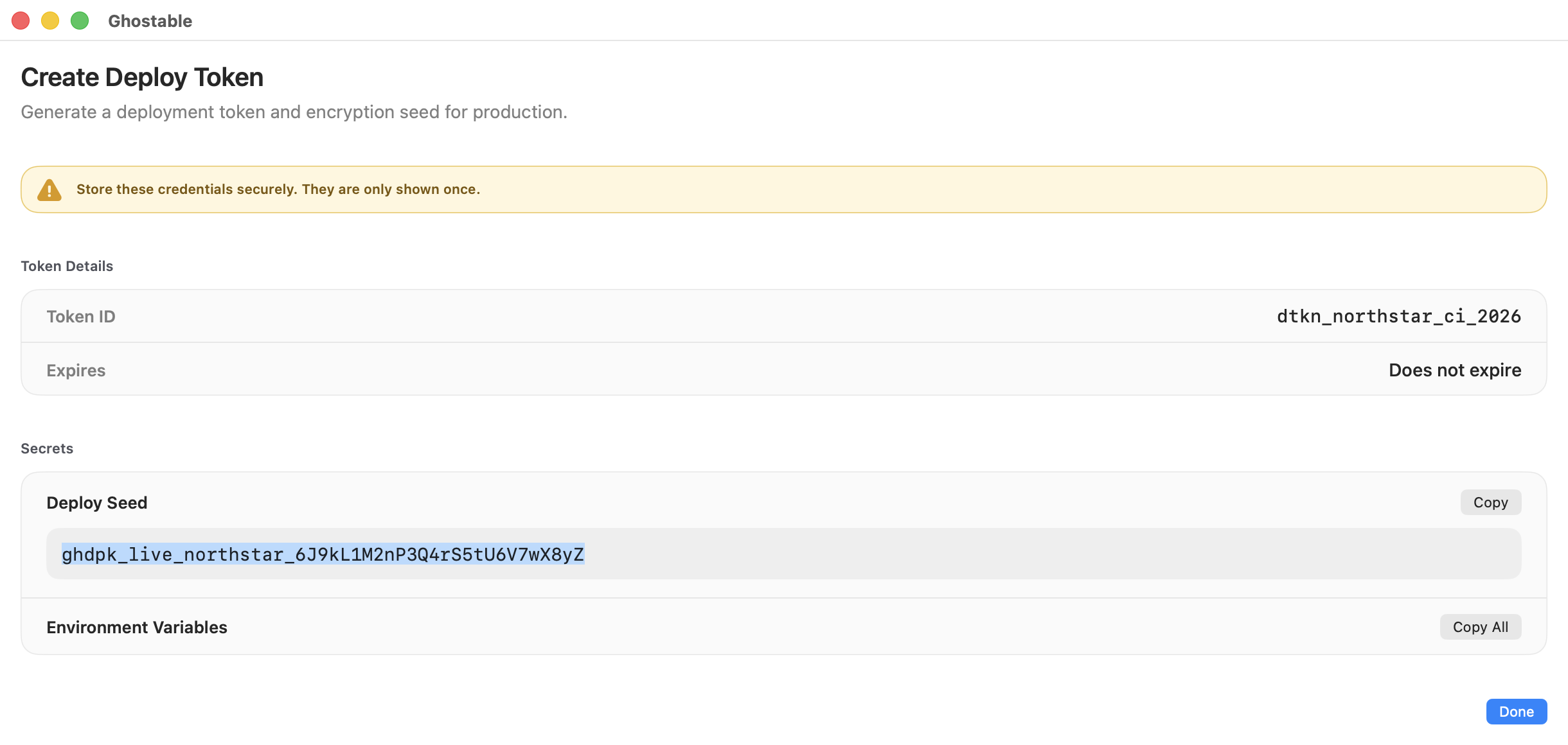
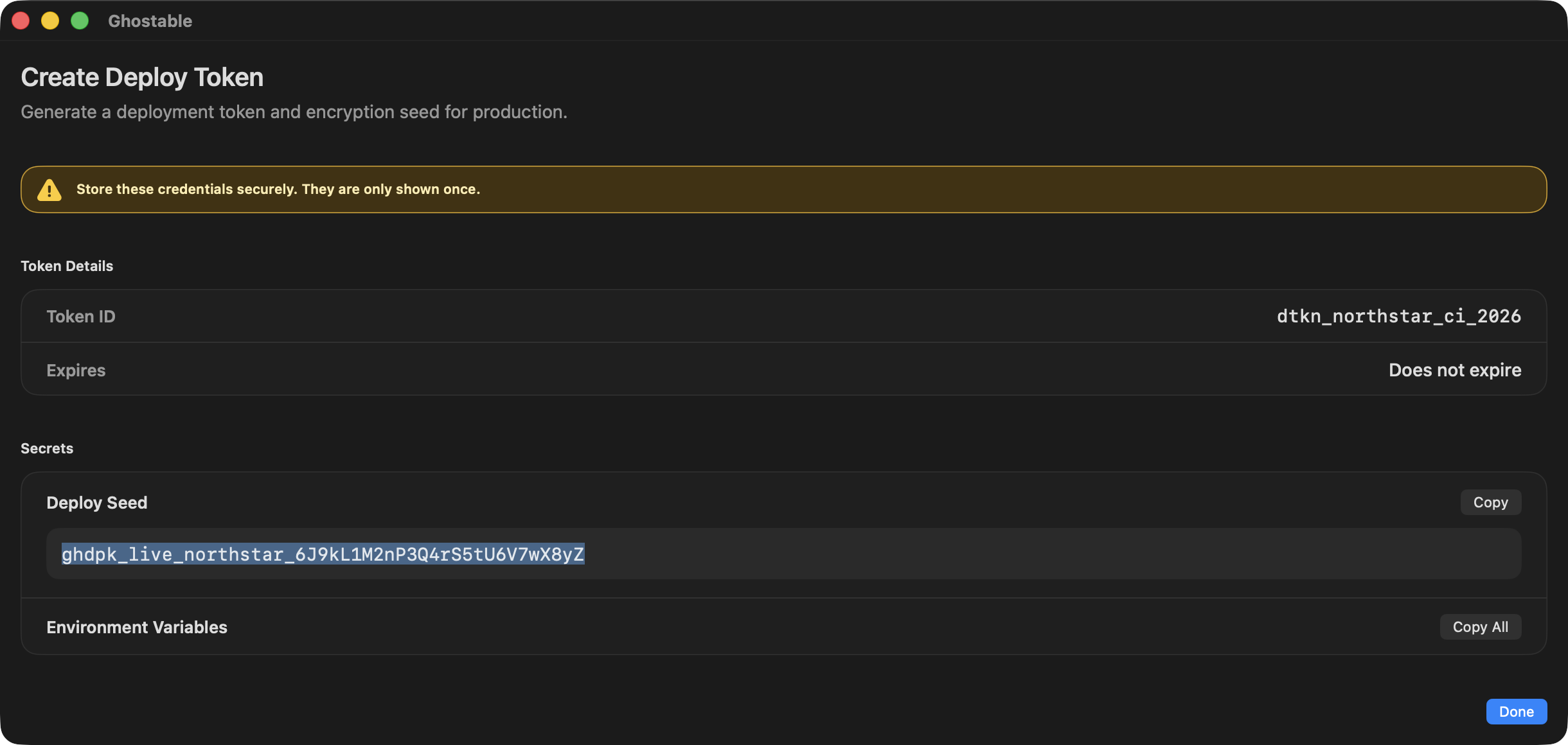 Ghostable only shows the private token material at creation or rotation time. If you lose it,
issue a fresh secret and update your automation.
## Continue
Prefer the terminal flow when you are provisioning CI from an existing shell workflow.
See how deploy tokens are consumed in automation and provider-specific setups.
Ghostable only shows the private token material at creation or rotation time. If you lose it,
issue a fresh secret and update your automation.
## Continue
Prefer the terminal flow when you are provisioning CI from an existing shell workflow.
See how deploy tokens are consumed in automation and provider-specific setups.