> ## Documentation Index
> Fetch the complete documentation index at: https://docs.ghostable.dev/llms.txt
> Use this file to discover all available pages before exploring further.
# Organizations & Projects
> Switch organizations, create projects, and manage project-level settings in the desktop app.
Projects and organizations behave the same across Desktop and CLI; this guide focuses on the
macOS app flow.
## Switch Organizations
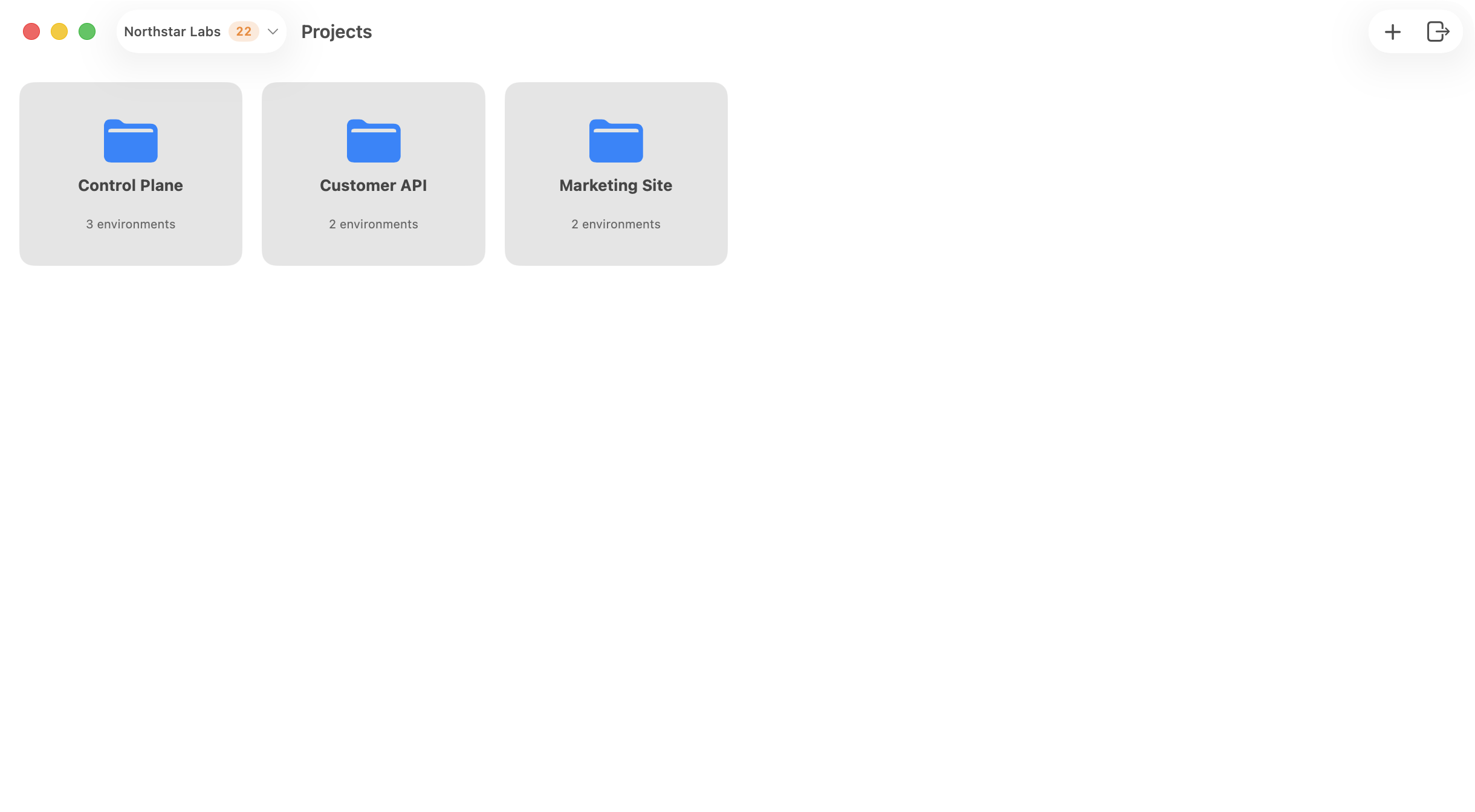
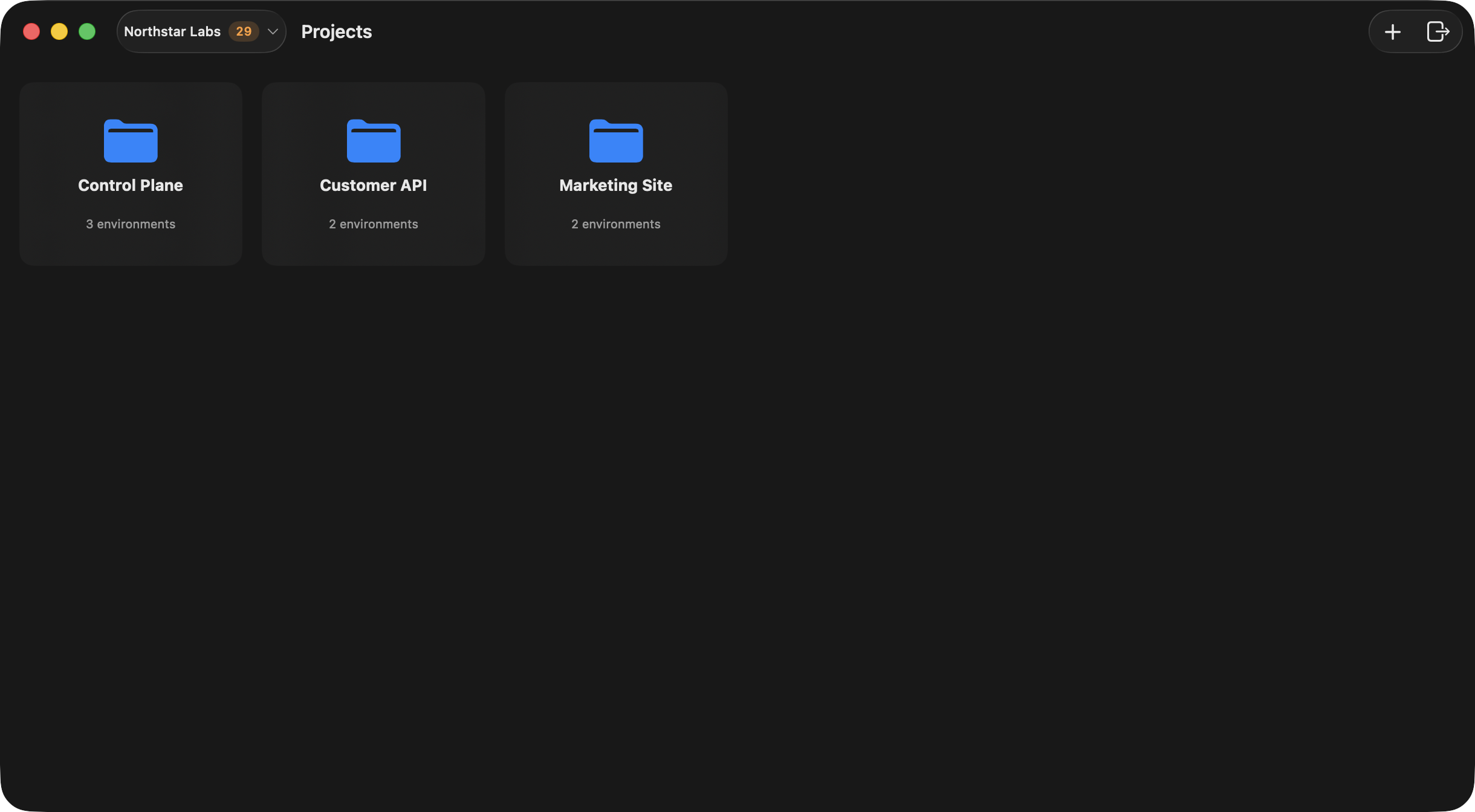
Use the organization control in the launcher toolbar to:
* switch the active organization,
* review pending invites,
* open the selected organization's management window,
* create a new organization.
The selected organization controls which projects appear in the launcher.
{/* ghostable:screenshot-output desktop-organizations-projects-launcher:start */}
 ## Manage an Organization
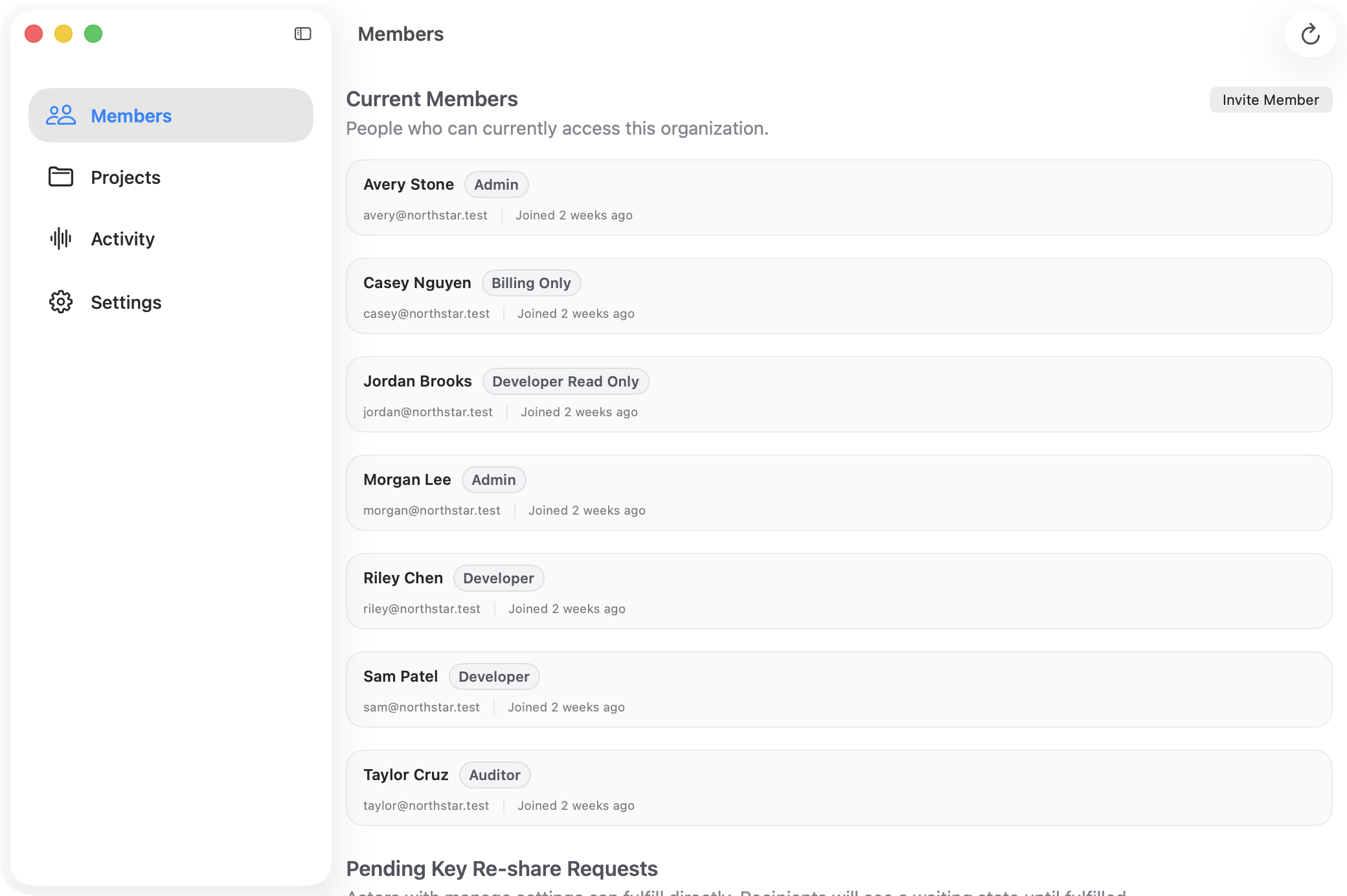
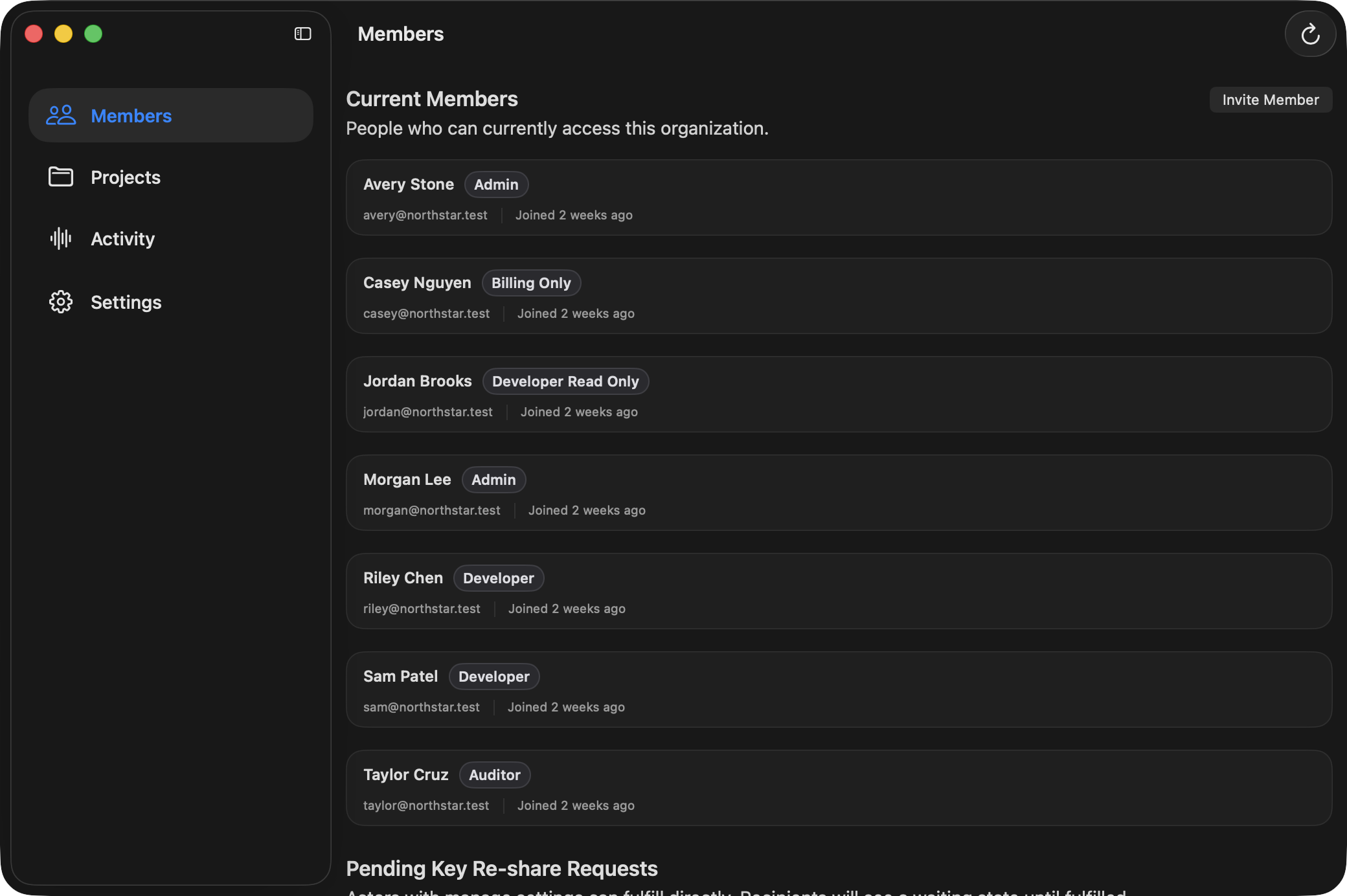
Open **Manage** from the launcher to work with the organization window. From there you can:
* invite and review members,
* inspect pending key re-share requests,
* inspect pending variable promotion requests,
* browse projects,
* review organization activity,
* update organization settings.
{/* ghostable:screenshot-output desktop-organizations-projects-organization-members:start */}
## Manage an Organization
Open **Manage** from the launcher to work with the organization window. From there you can:
* invite and review members,
* inspect pending key re-share requests,
* inspect pending variable promotion requests,
* browse projects,
* review organization activity,
* update organization settings.
{/* ghostable:screenshot-output desktop-organizations-projects-organization-members:start */}
 ## Create and Open Projects
Use the `+` button in the launcher or the organization Projects view to create a new project. Once a
project exists, double-click it in the launcher to open the dedicated project window.
Project and environment views can surface pending promotion indicators so reviewers can quickly see
where action is needed.
## Project Settings
The Project window includes a **Settings** section for:
* project name,
* language,
* framework,
* deployment provider,
* linked local folder,
* manifest sync.
## Continue
Open a project and move into environment-level variable management.
Connect a repo to unlock validation, manifest sync, and export workflows.
## Create and Open Projects
Use the `+` button in the launcher or the organization Projects view to create a new project. Once a
project exists, double-click it in the launcher to open the dedicated project window.
Project and environment views can surface pending promotion indicators so reviewers can quickly see
where action is needed.
## Project Settings
The Project window includes a **Settings** section for:
* project name,
* language,
* framework,
* deployment provider,
* linked local folder,
* manifest sync.
## Continue
Open a project and move into environment-level variable management.
Connect a repo to unlock validation, manifest sync, and export workflows.