> ## Documentation Index
> Fetch the complete documentation index at: https://docs.ghostable.dev/llms.txt
> Use this file to discover all available pages before exploring further.
# Interface Tour
> Understand the main windows and panes in the Ghostable desktop client.
Read the platform-level model if you want the shared meaning of organizations, projects, and
environments.
## Main Windows
{/* ghostable:screenshot-output desktop-interface-tour-overview:start */}
 ### Sign-In Window
Use the browser-based login flow, enable Touch ID when available, and resume an existing local
session.
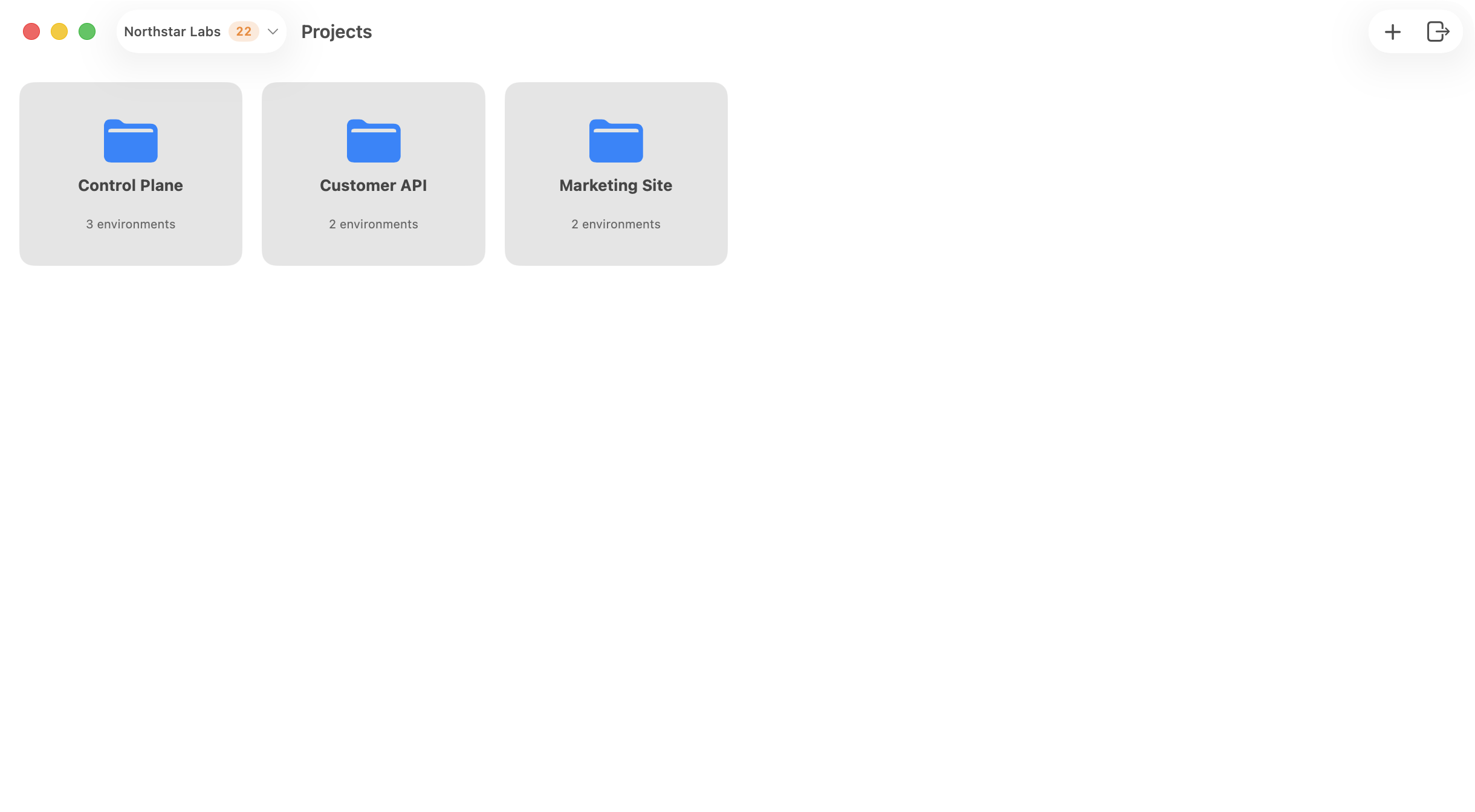
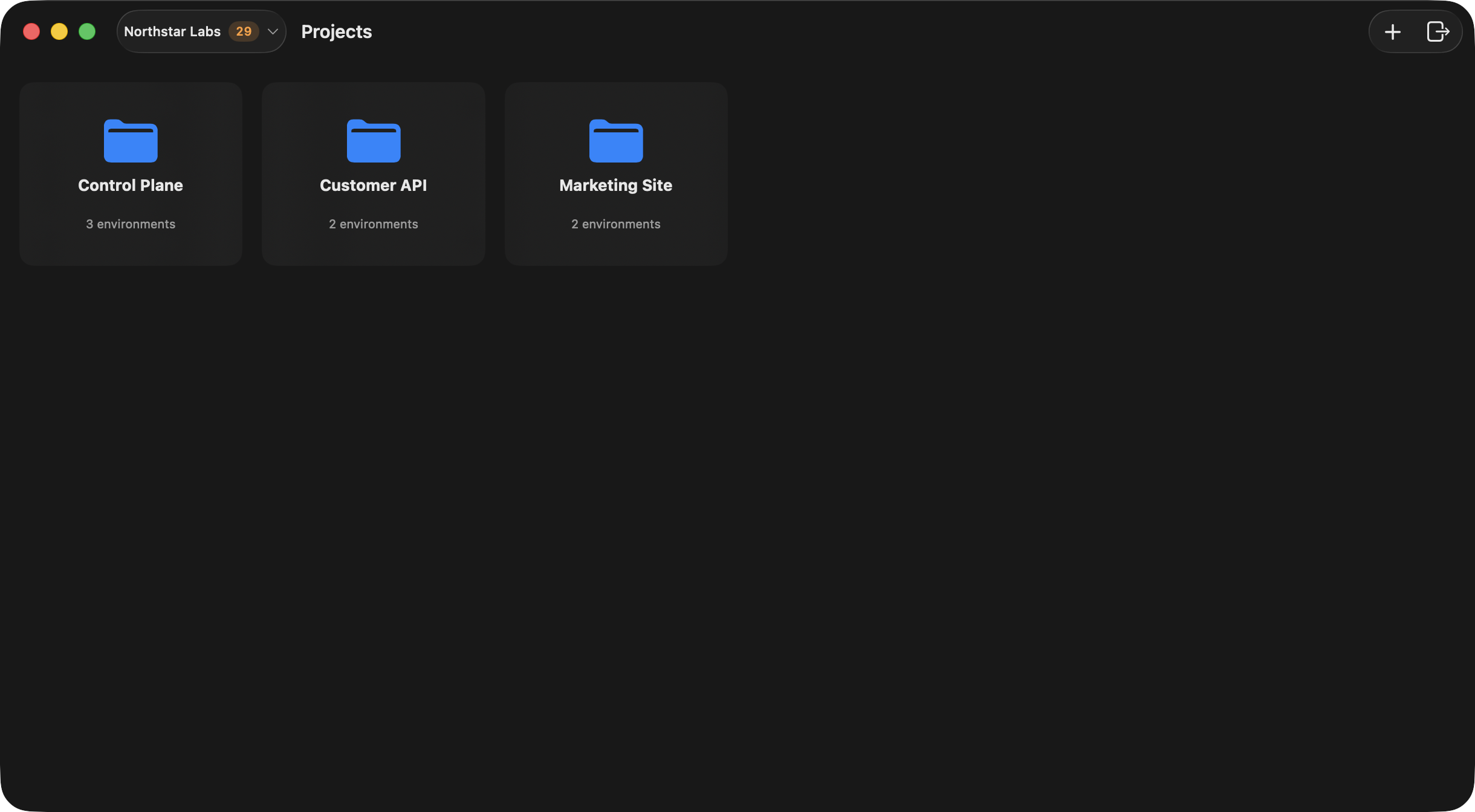
### Project Launcher
The launcher is the main landing area after sign-in. It lets you:
* switch organizations from the toolbar,
* review inbox notifications for new variable comments,
* create an organization,
* create a project,
* open an organization manager window,
* sign out.
### Organization Window
The organization manager is split into sections for:
* Members
* Projects
* Activity
* Settings
### Project Window
Each project opens into a dedicated window with sections for:
* Environments
* Activity
* Validation
* Settings
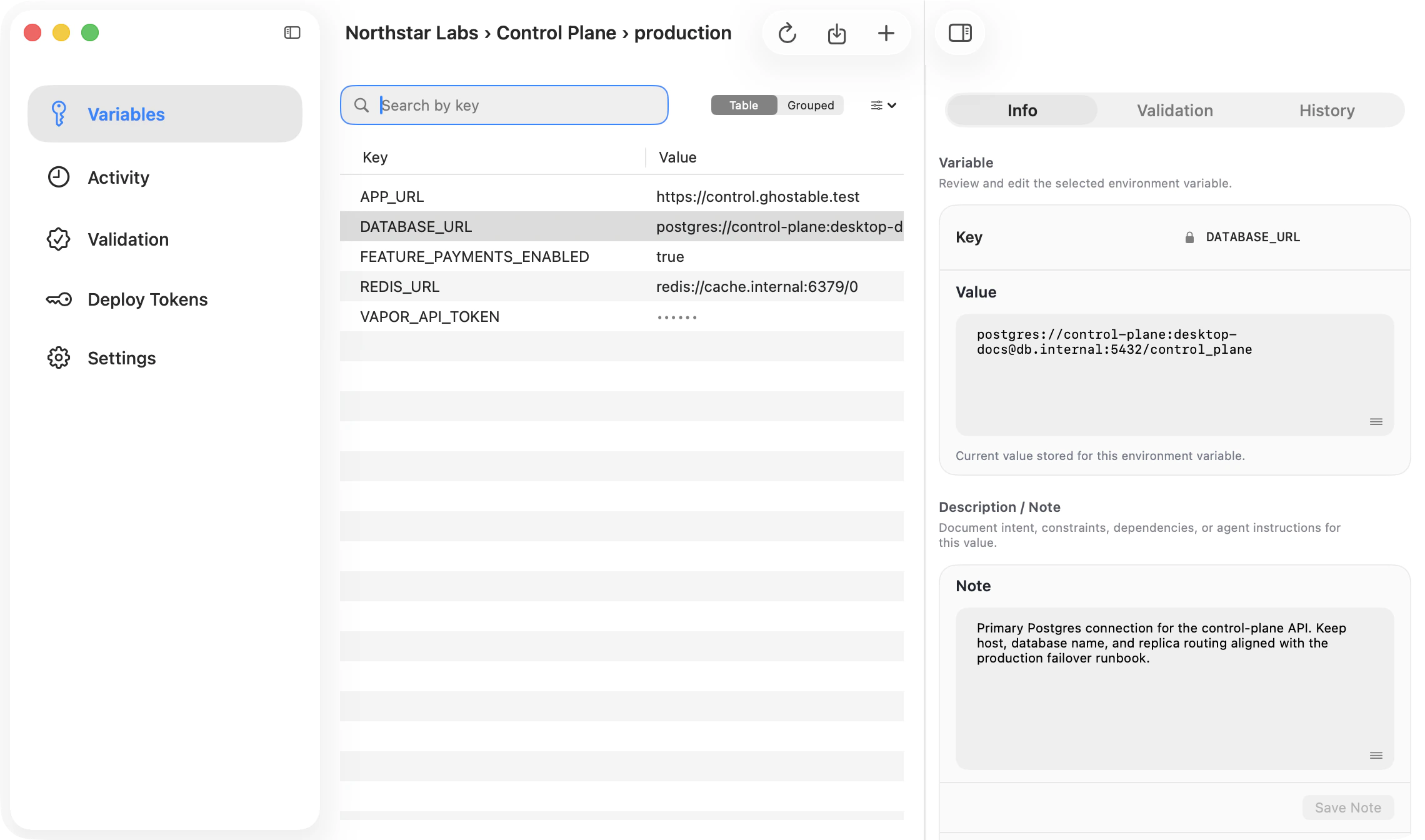
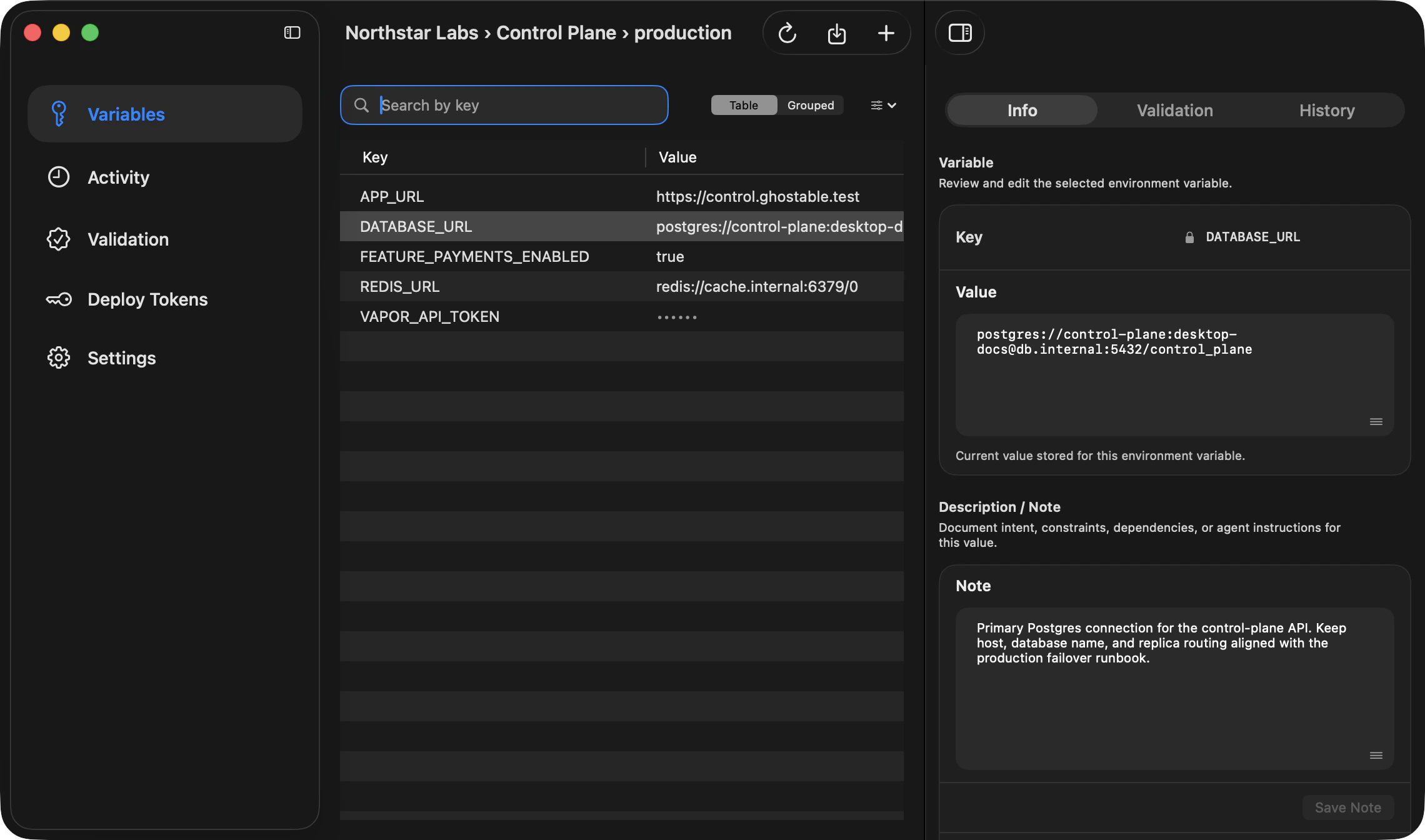
### Environment Window
Each environment window uses a sidebar, content column, and collapsible detail column. The main
sections are:
* Variables
* Activity
* Validation
* Deploy Tokens
* Settings
The detail pane expands when you select a variable so you can switch between **Info**,
**Validation**, and **History**. The **Info** view also includes the note and comments sections for
that specific key.
{/* ghostable:screenshot-output desktop-interface-tour-environment-detail:start */}
### Sign-In Window
Use the browser-based login flow, enable Touch ID when available, and resume an existing local
session.
### Project Launcher
The launcher is the main landing area after sign-in. It lets you:
* switch organizations from the toolbar,
* review inbox notifications for new variable comments,
* create an organization,
* create a project,
* open an organization manager window,
* sign out.
### Organization Window
The organization manager is split into sections for:
* Members
* Projects
* Activity
* Settings
### Project Window
Each project opens into a dedicated window with sections for:
* Environments
* Activity
* Validation
* Settings
### Environment Window
Each environment window uses a sidebar, content column, and collapsible detail column. The main
sections are:
* Variables
* Activity
* Validation
* Deploy Tokens
* Settings
The detail pane expands when you select a variable so you can switch between **Info**,
**Validation**, and **History**. The **Info** view also includes the note and comments sections for
that specific key.
{/* ghostable:screenshot-output desktop-interface-tour-environment-detail:start */}
 ### App Settings
The global Settings window includes account, appearance, notifications, general preferences, and
about information.
## Continue
Learn the day-to-day flow for switching organizations and opening projects.
Learn where variables, history, validation, and deploy tokens live.
### App Settings
The global Settings window includes account, appearance, notifications, general preferences, and
about information.
## Continue
Learn the day-to-day flow for switching organizations and opening projects.
Learn where variables, history, validation, and deploy tokens live.