> ## Documentation Index
> Fetch the complete documentation index at: https://docs.ghostable.dev/llms.txt
> Use this file to discover all available pages before exploring further.
# Link Your Device
> Register this Mac as a trusted Ghostable device so it can decrypt environments.
Understand what a Ghostable device is before you register this Mac.
## When This Appears
If the desktop app detects that the current session does not have a linked device, it blocks
environment workflows and opens **Link This Device**.
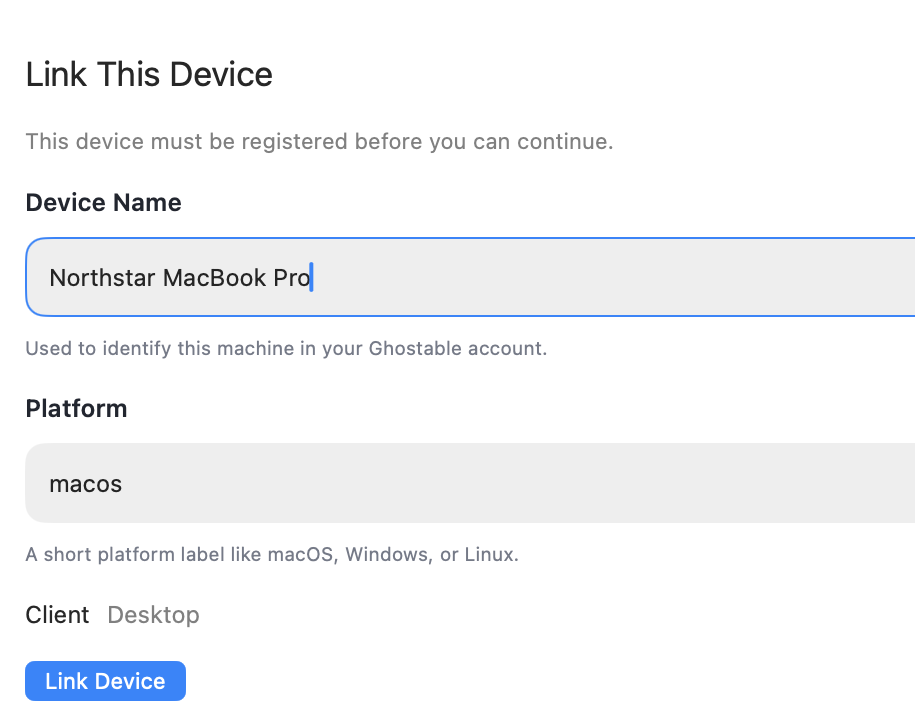
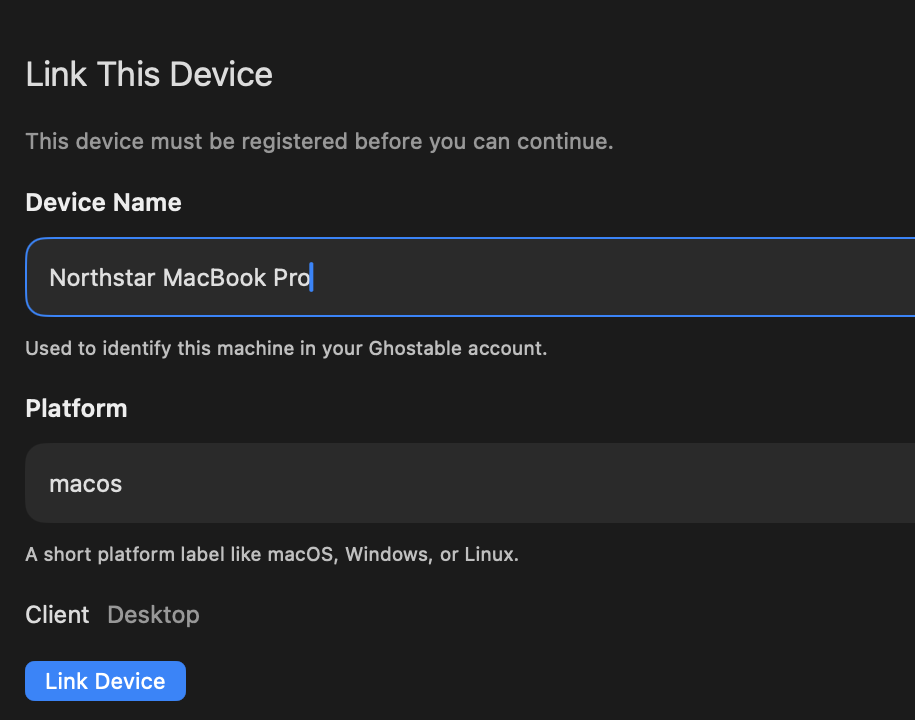
## Fill in the Device Details
The form asks for:
* **Device name**
* **Platform**
* **Client**, which is fixed to `Desktop`
You can accept sensible defaults or rename the machine if you want a cleaner label in Ghostable.
{/* ghostable:screenshot-output desktop-link-your-device-form:start */}
 ## Link the Mac
Click **Link Device**. The desktop app creates the local key material for this device, stores the
private material in the Mac's secure storage, and registers the public identity with Ghostable.
## If Access Is Still Pending
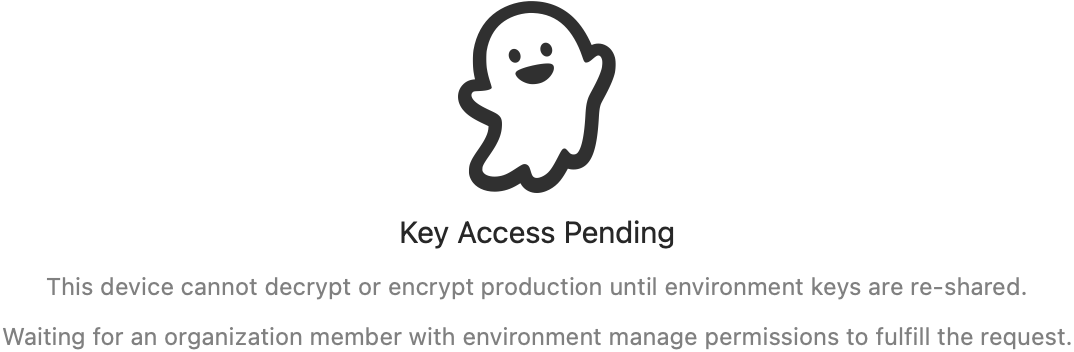
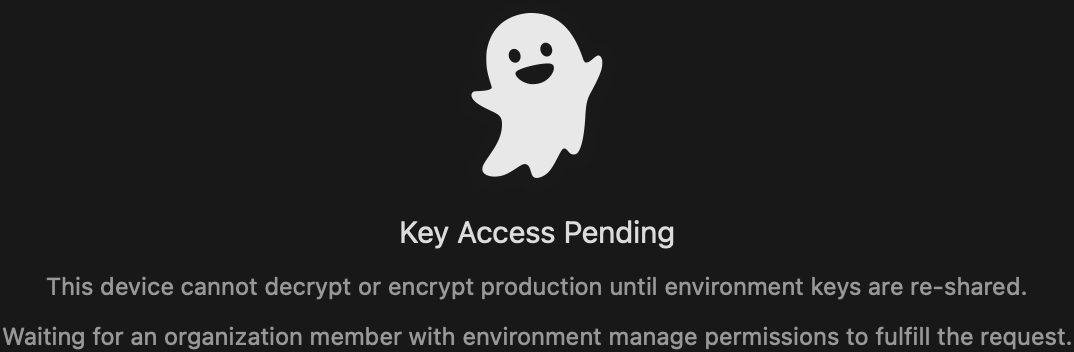
A newly linked device may still need a key re-share before it can read existing environment data. In
that state, the app will show a waiting experience instead of letting you open decrypted values.
Use one of these paths:
* Ask an authorized teammate to fulfill the key re-share request.
* If you are authorized and already have another trusted device, fulfill it from there.
* Fall back to the CLI command shown in the app when needed.
{/* ghostable:screenshot-output desktop-key-reshare-pending:start */}
## Link the Mac
Click **Link Device**. The desktop app creates the local key material for this device, stores the
private material in the Mac's secure storage, and registers the public identity with Ghostable.
## If Access Is Still Pending
A newly linked device may still need a key re-share before it can read existing environment data. In
that state, the app will show a waiting experience instead of letting you open decrypted values.
Use one of these paths:
* Ask an authorized teammate to fulfill the key re-share request.
* If you are authorized and already have another trusted device, fulfill it from there.
* Fall back to the CLI command shown in the app when needed.
{/* ghostable:screenshot-output desktop-key-reshare-pending:start */}
 ## Continue
Fix common link, auth, and pending key-access problems.
Start browsing variables once the device is trusted and key access is available.
## Continue
Fix common link, auth, and pending key-access problems.
Start browsing variables once the device is trusted and key access is available.