> ## Documentation Index
> Fetch the complete documentation index at: https://docs.ghostable.dev/llms.txt
> Use this file to discover all available pages before exploring further.
# Overview
> Start here if the Ghostable desktop app is your primary client.
Read the shared Ghostable overview if you are comparing Desktop, CLI, and automation workflows.
## Why Use the Desktop App
The Ghostable desktop app is the default client for day-to-day work on macOS. It gives teams a
native workspace for:
* signing in through the browser,
* linking a trusted device,
* browsing organizations, projects, and environments,
* editing and reviewing variables,
* checking history and validation results,
* issuing deploy tokens for CI.
Use the CLI when you need scripting, CI, or a non-macOS workflow.
## Desktop Flow at a Glance
1. Sign in from the app with your Ghostable account.
2. Link the Mac as a trusted device.
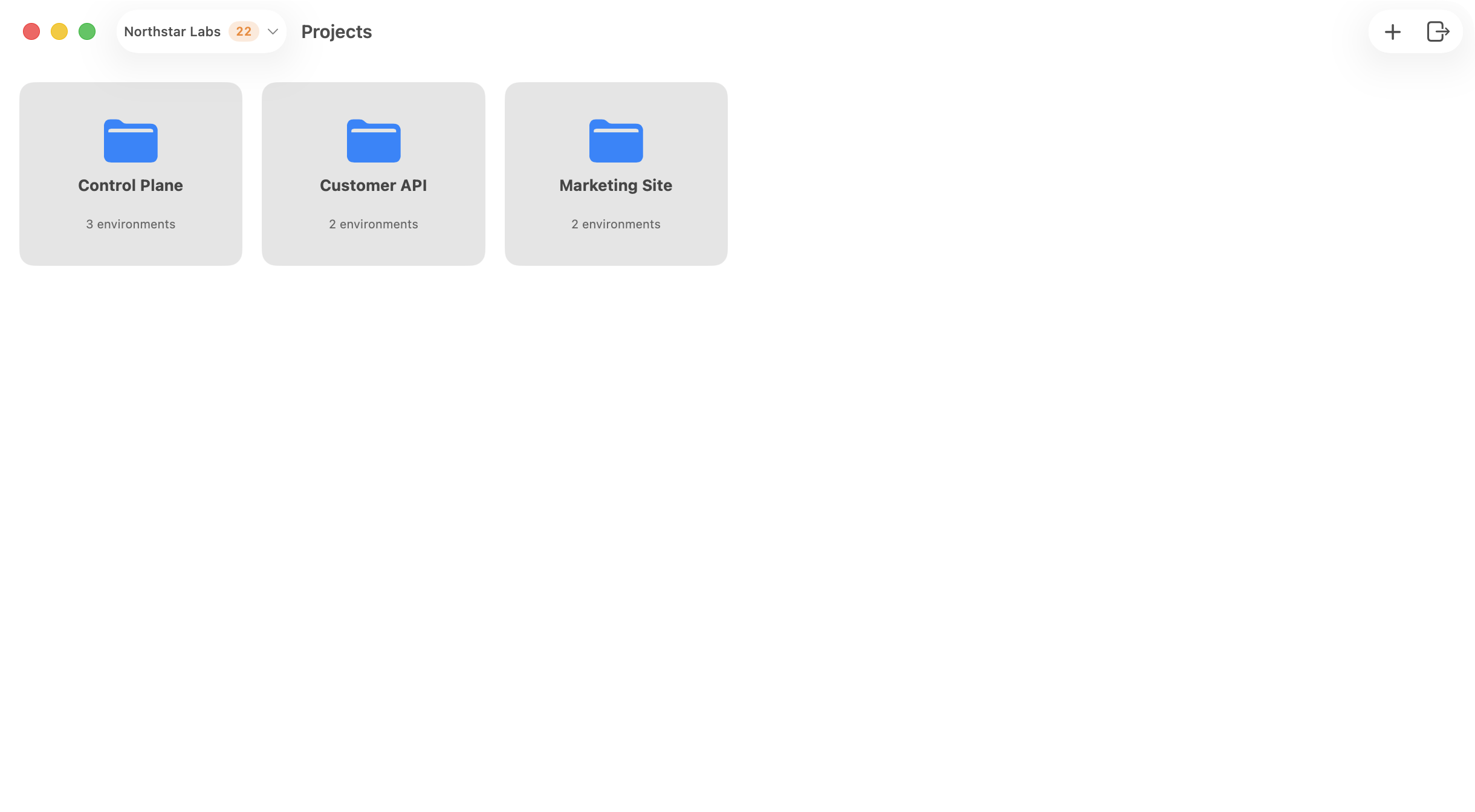
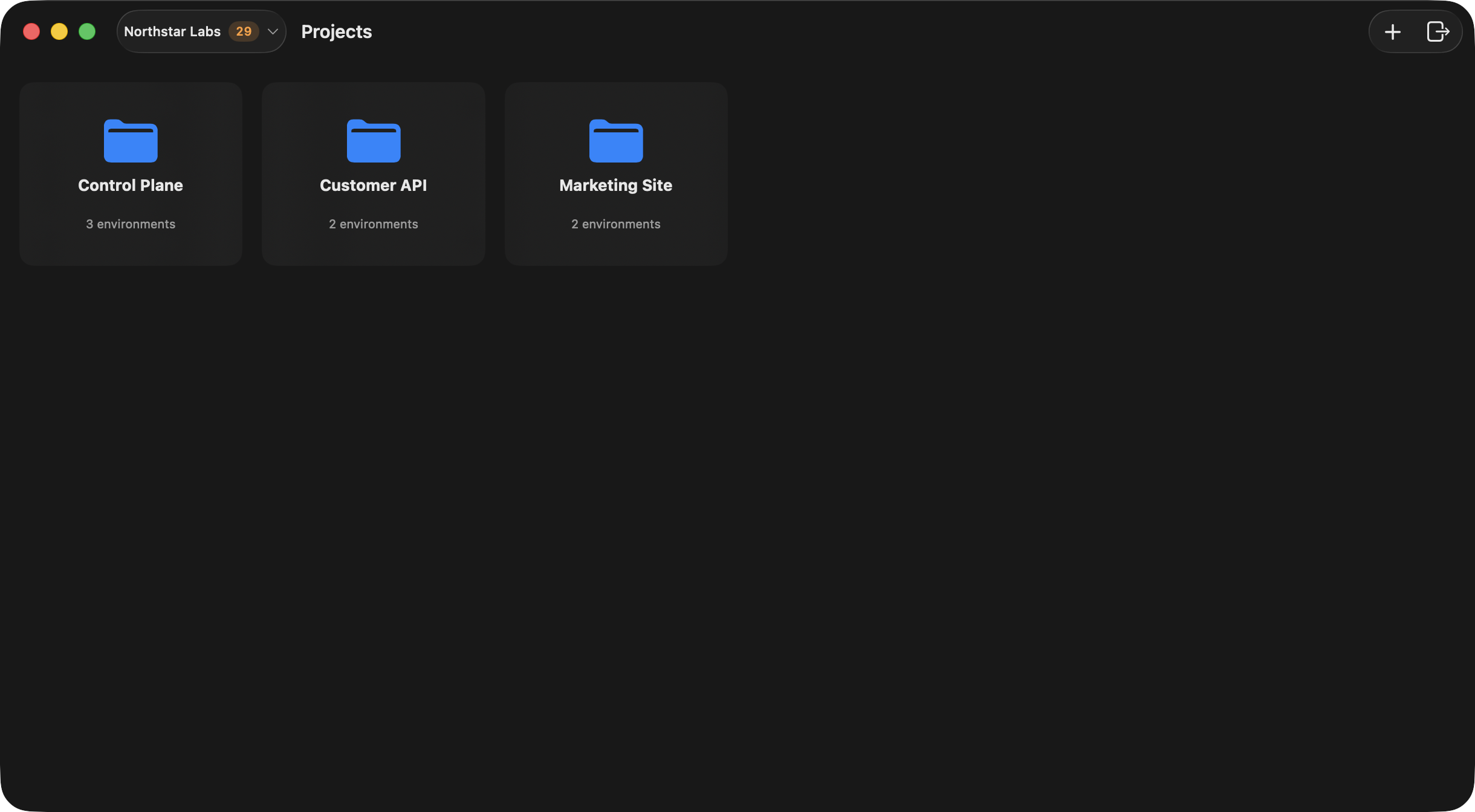
3. Choose an organization from the launcher.
4. Open a project, then open an environment.
5. Manage variables, validation, history, and local integration from the app.
{/* ghostable:screenshot-output desktop-overview-launcher:start */}
 ## Continue
Set up the app and complete the browser-based login flow.
Register this Mac before you attempt any encrypted environment workflows.
Learn how the launcher, organization, project, and environment windows fit together.
## Continue
Set up the app and complete the browser-based login flow.
Register this Mac before you attempt any encrypted environment workflows.
Learn how the launcher, organization, project, and environment windows fit together.