> ## Documentation Index
> Fetch the complete documentation index at: https://docs.ghostable.dev/llms.txt
> Use this file to discover all available pages before exploring further.
# Troubleshooting
> Resolve common desktop sign-in, device, key-access, and local-integration issues.
Key re-sharing explains why a newly linked device may still be waiting for access.
## Browser Login Never Finishes
* Make sure the browser flow completed with the same Ghostable account you expect in the app.
* Retry **Continue in browser** from the sign-in window.
* If your environment blocks the callback, fall back to the CLI for account recovery or confirm the
browser can open local callbacks normally.
## Touch ID Is Missing or Disabled
* Touch ID only appears on supported Macs.
* If Touch ID enrollment changed, sign in again through the browser and re-enable it from the app.
* Treat Touch ID as optional convenience, not as a required part of the login flow.
## The App Keeps Asking to Link This Device
* Confirm the device-link step completed successfully.
* If the machine was revoked remotely, link it again.
* If the local secure storage was cleared, Ghostable must generate a fresh device identity.
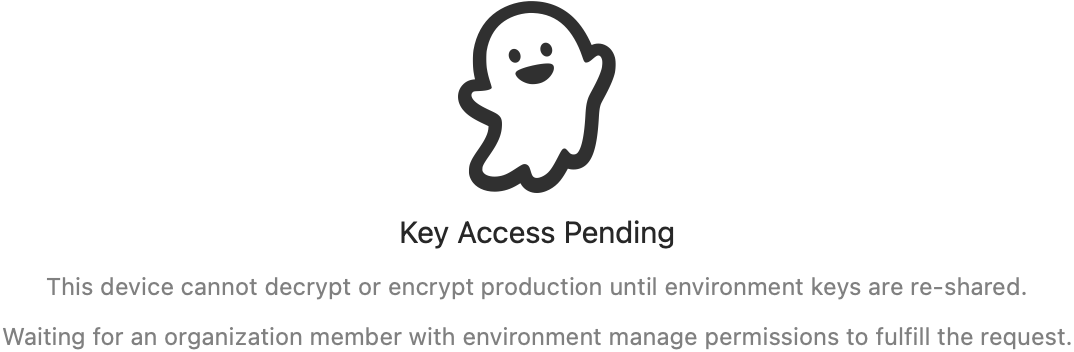
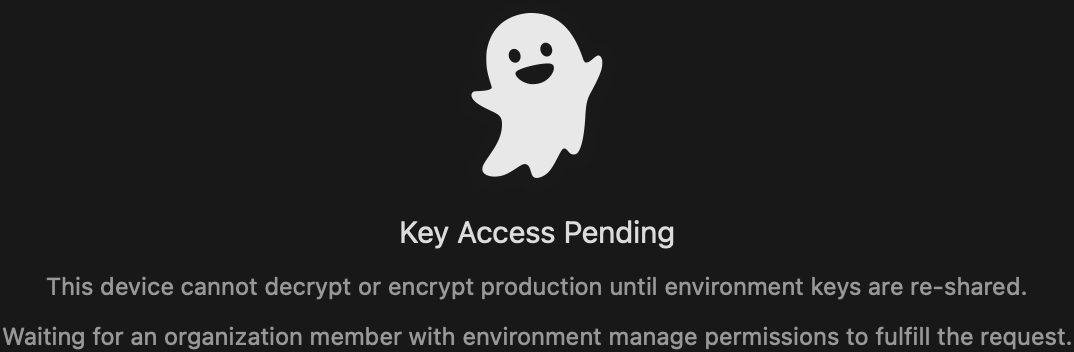
## Key Access Is Pending
* The device is linked, but it does not yet have the environment key envelope.
* Ask an authorized teammate to fulfill the pending key re-share request.
* If you manage the environment and have another authorized device, fulfill the request from there.
{/* ghostable:screenshot-output desktop-troubleshooting-pending-key-reshare:start */}
 ## Validation or Export Is Unavailable
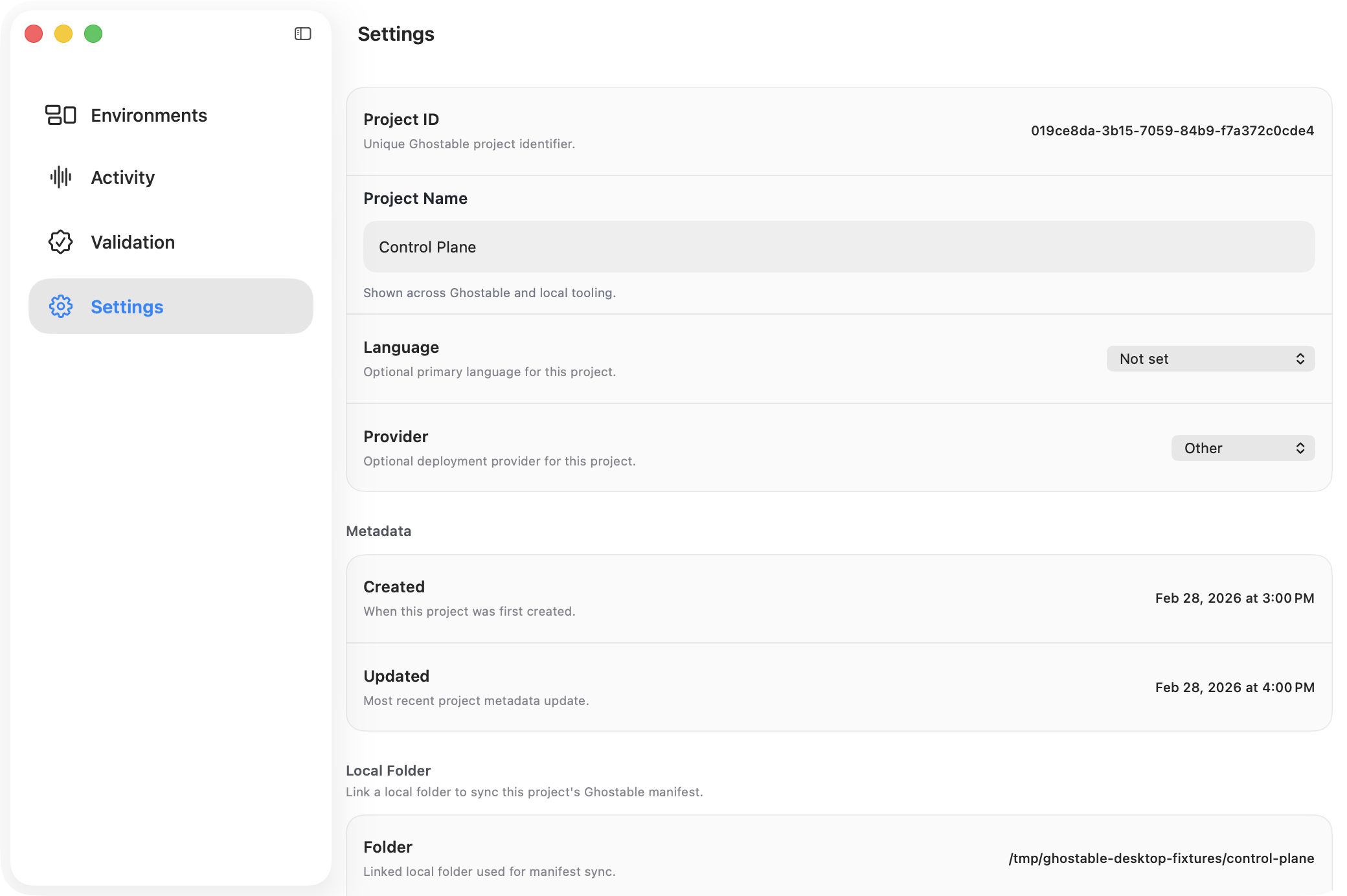
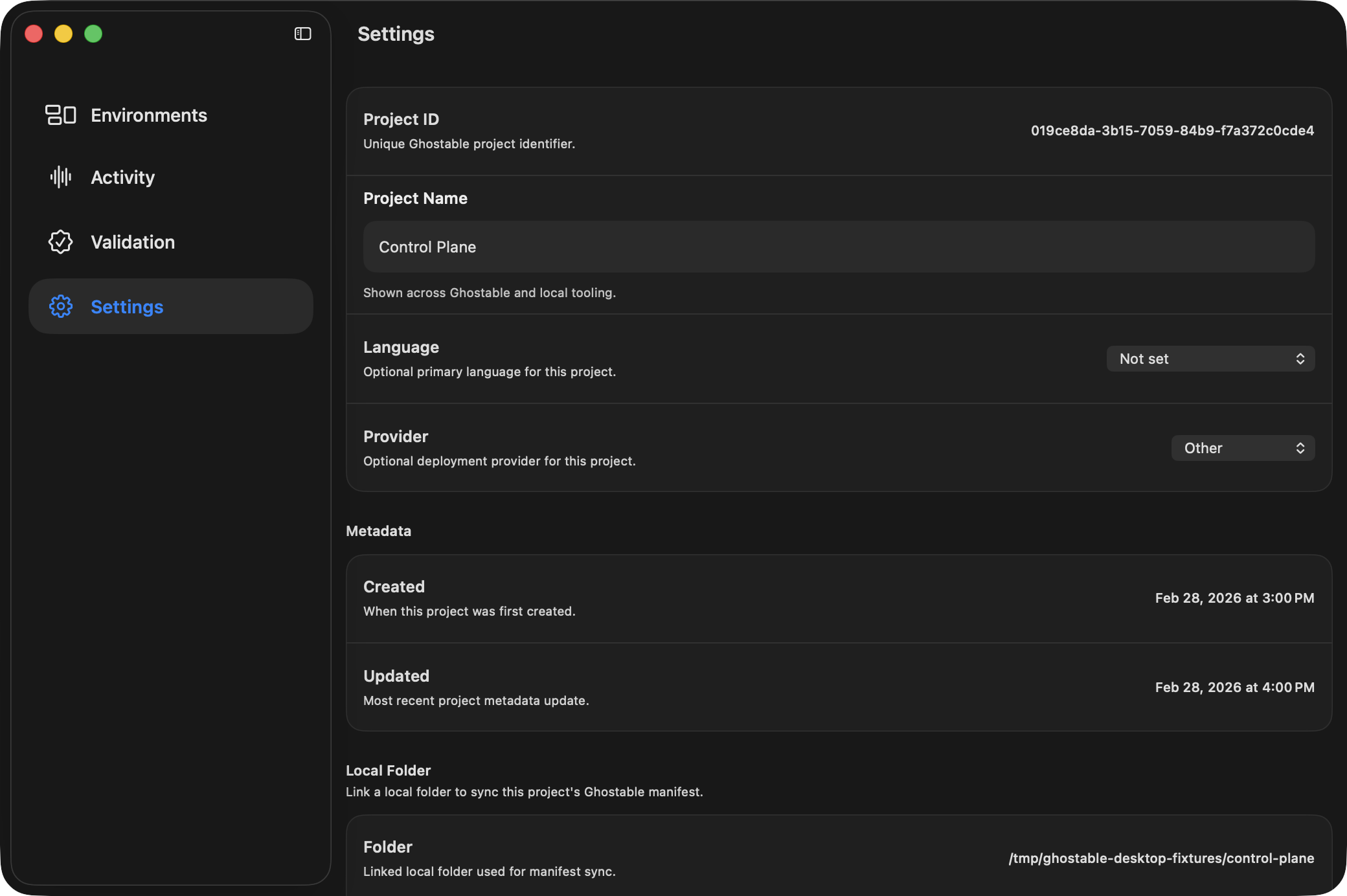
* Open Project Settings and confirm a local folder is linked.
* Confirm `.ghostable/ghostable.yaml` and any schema files exist in that folder.
* Re-run **Sync Manifest** if the project metadata drifted.
{/* ghostable:screenshot-output desktop-troubleshooting-project-settings:start */}
## Validation or Export Is Unavailable
* Open Project Settings and confirm a local folder is linked.
* Confirm `.ghostable/ghostable.yaml` and any schema files exist in that folder.
* Re-run **Sync Manifest** if the project metadata drifted.
{/* ghostable:screenshot-output desktop-troubleshooting-project-settings:start */}
 ## Export Is Disabled in an Environment
* Export requires local decrypt access and a linked project folder.
* Resolve any pending key re-share request first.
* Then confirm the project folder is linked in Project Settings.
## Deploy Token Secret Was Lost
Ghostable does not show the private token material again after creation or rotation. Issue a new
rotation or create a replacement token, then update CI with the new values.
## Export Is Disabled in an Environment
* Export requires local decrypt access and a linked project folder.
* Resolve any pending key re-share request first.
* Then confirm the project folder is linked in Project Settings.
## Deploy Token Secret Was Lost
Ghostable does not show the private token material again after creation or rotation. Issue a new
rotation or create a replacement token, then update CI with the new values.