> ## Documentation Index
> Fetch the complete documentation index at: https://docs.ghostable.dev/llms.txt
> Use this file to discover all available pages before exploring further.
# Import & Export .env Files
> Bring local env files into Ghostable or export encrypted environment state back to disk from the desktop app.
Desktop import and export workflows operate on the same environment records used by CLI and
automation.
## Import a Local File
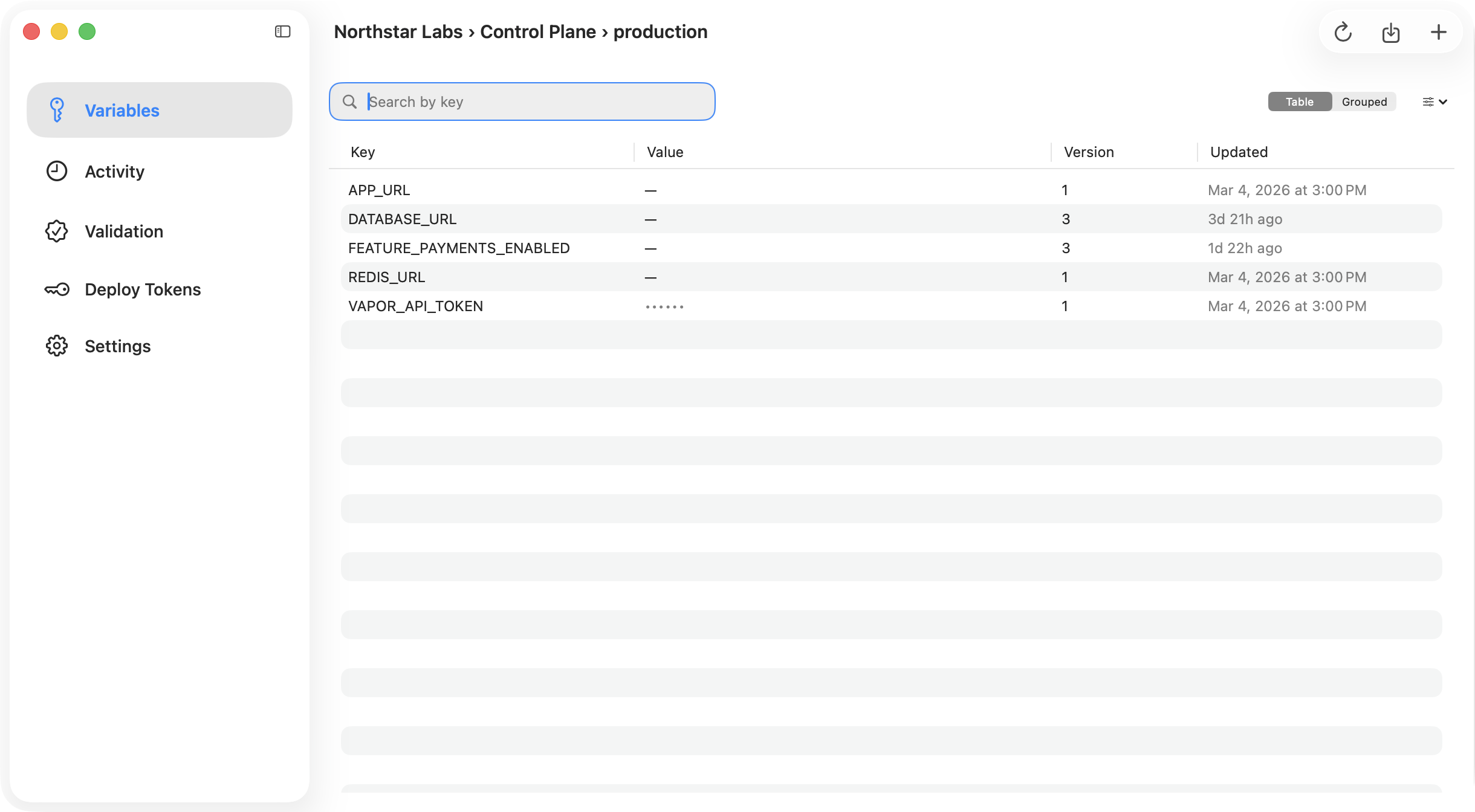
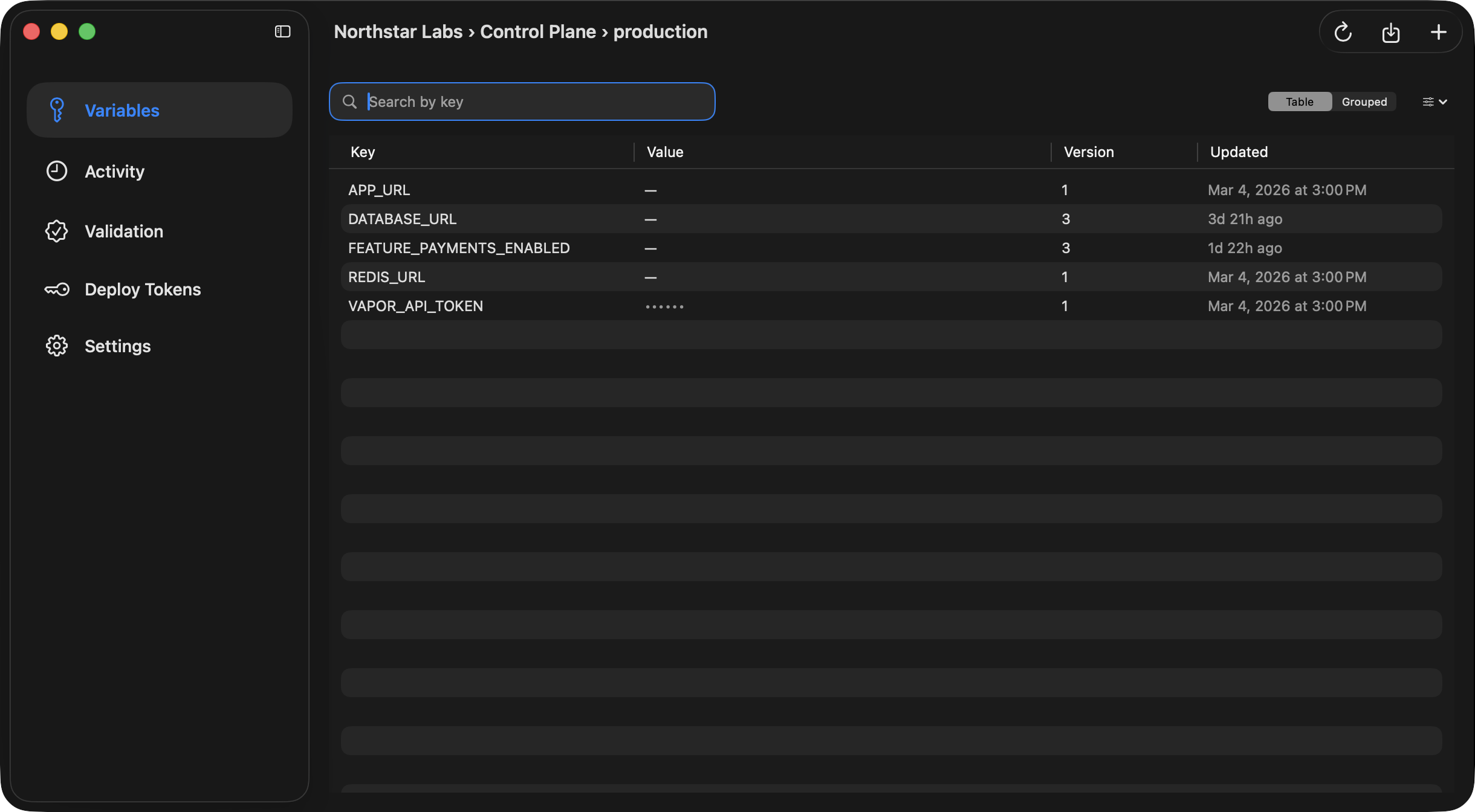
From the Variables view, choose **Import .env File…** to parse a local environment file and push its
entries into the current Ghostable environment.
Desktop preserves useful details from the imported file, including disabled variables, then writes
the resulting state back through the encrypted environment workflow.
{/* ghostable:screenshot-output desktop-import-env-variables-main:start */}
 ## Export Back to Disk
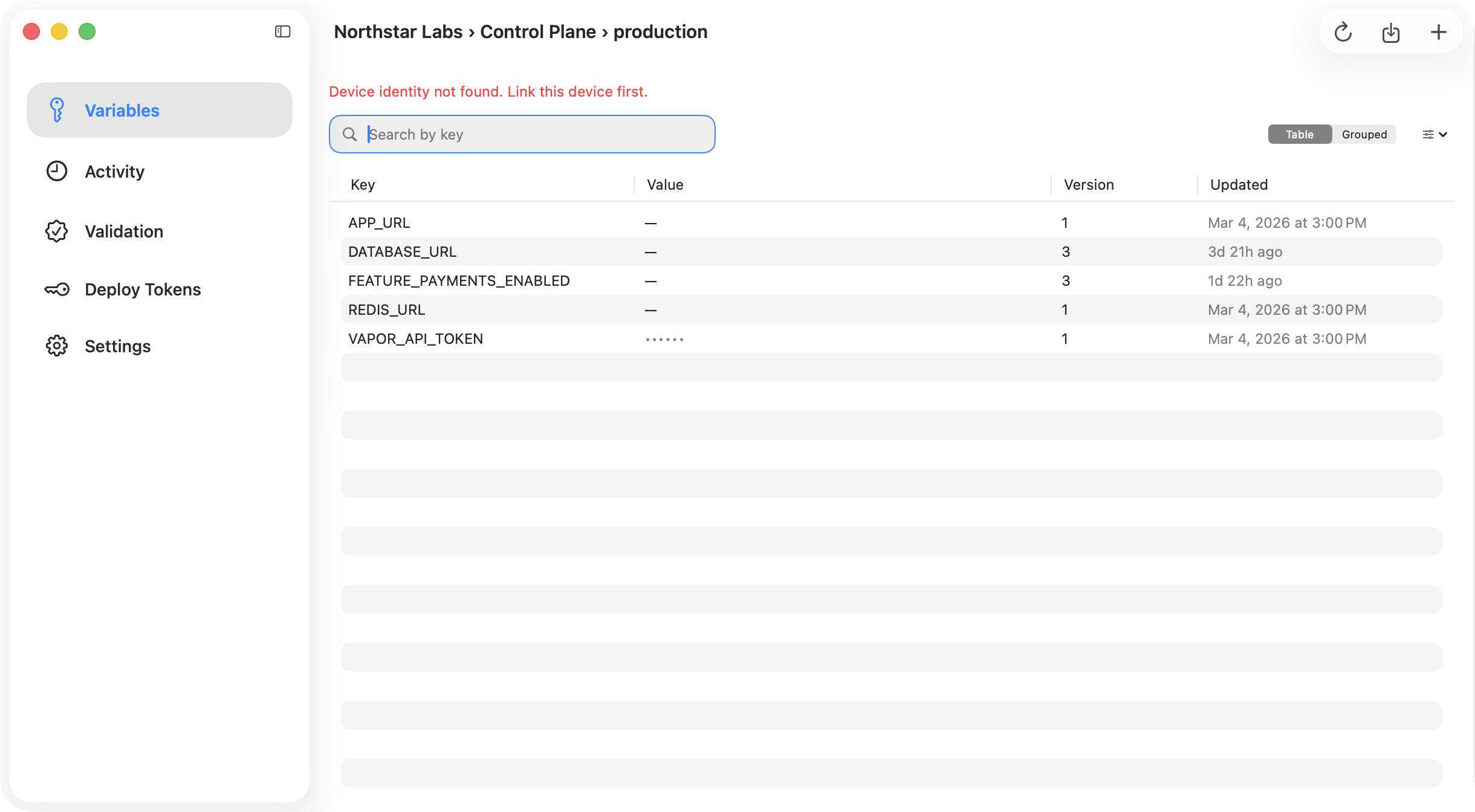
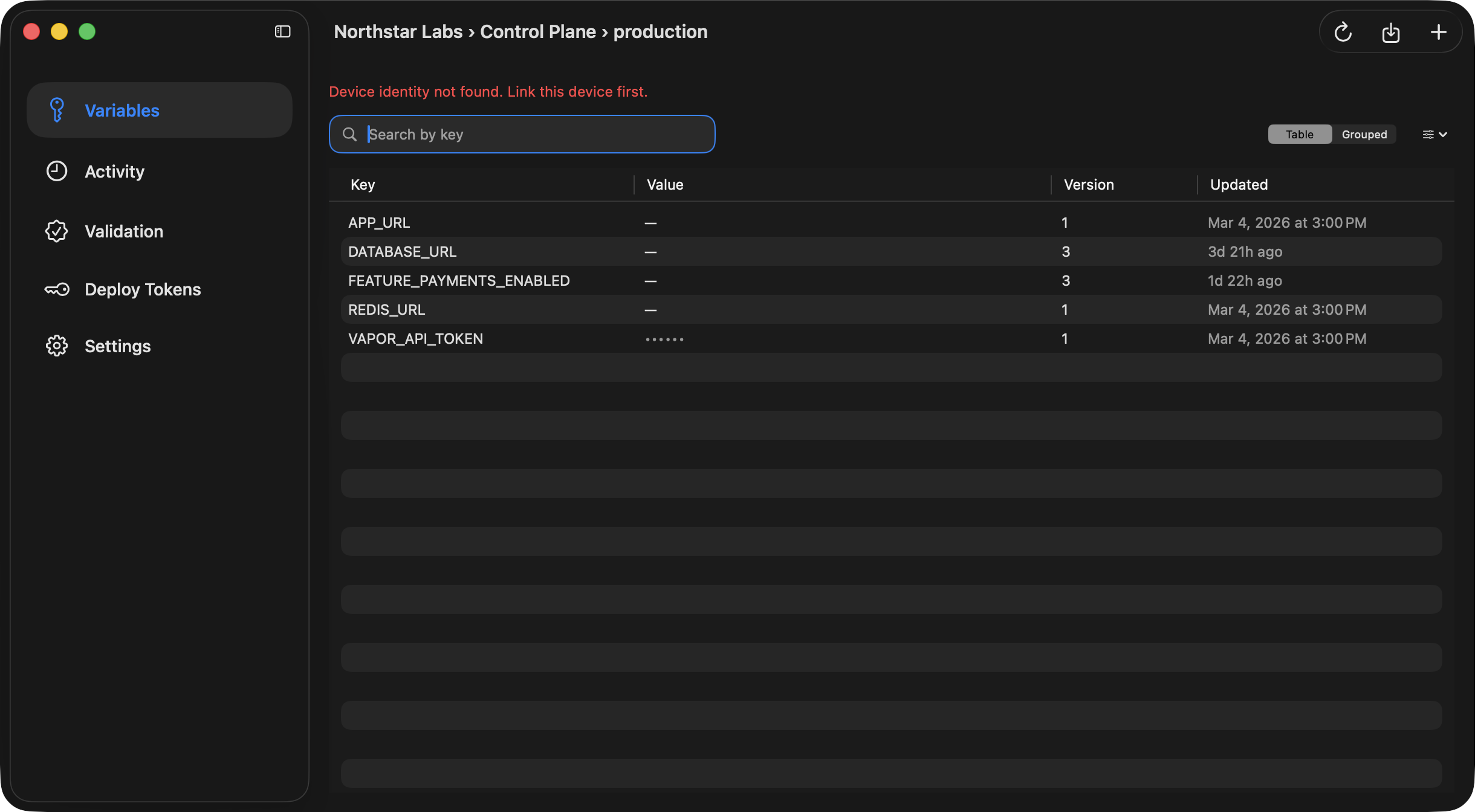
From the same Variables view, use the export button to write the current environment into a local
`.env.` file.
Desktop requires a linked project folder before export is enabled, because it uses that folder as
the default destination.
{/* ghostable:screenshot-output desktop-export-env-success:start */}
## Export Back to Disk
From the same Variables view, use the export button to write the current environment into a local
`.env.` file.
Desktop requires a linked project folder before export is enabled, because it uses that folder as
the default destination.
{/* ghostable:screenshot-output desktop-export-env-success:start */}
 ## Export Safety
When Desktop exports to an existing file path, it performs a replacement workflow and creates a
backup before writing the new file.
Export produces plaintext local files. Keep the destination inside the trusted project folder
and handle the output according to your team's secret-management policy.
## Continue
Export requires a linked local project folder.
Prefer the terminal if your local file workflow already lives in scripts.
## Export Safety
When Desktop exports to an existing file path, it performs a replacement workflow and creates a
backup before writing the new file.
Export produces plaintext local files. Keep the destination inside the trusted project folder
and handle the output according to your team's secret-management policy.
## Continue
Export requires a linked local project folder.
Prefer the terminal if your local file workflow already lives in scripts.