> ## Documentation Index
> Fetch the complete documentation index at: https://docs.ghostable.dev/llms.txt
> Use this file to discover all available pages before exploring further.
# Link a Folder
> Connect a local repo folder to a Ghostable project so Desktop can find the manifest and schema files.
The linked folder is the local companion to the shared Ghostable project record.
## Why Link a Folder
Linking a folder lets Desktop find local, non-secret project files such as:
* `.ghostable/ghostable.yaml`
* `.ghostable/schema.yaml`
* `.ghostable/schemas/*.yaml`
Desktop needs that local context for validation, manifest sync, and file export workflows.
## How to Link
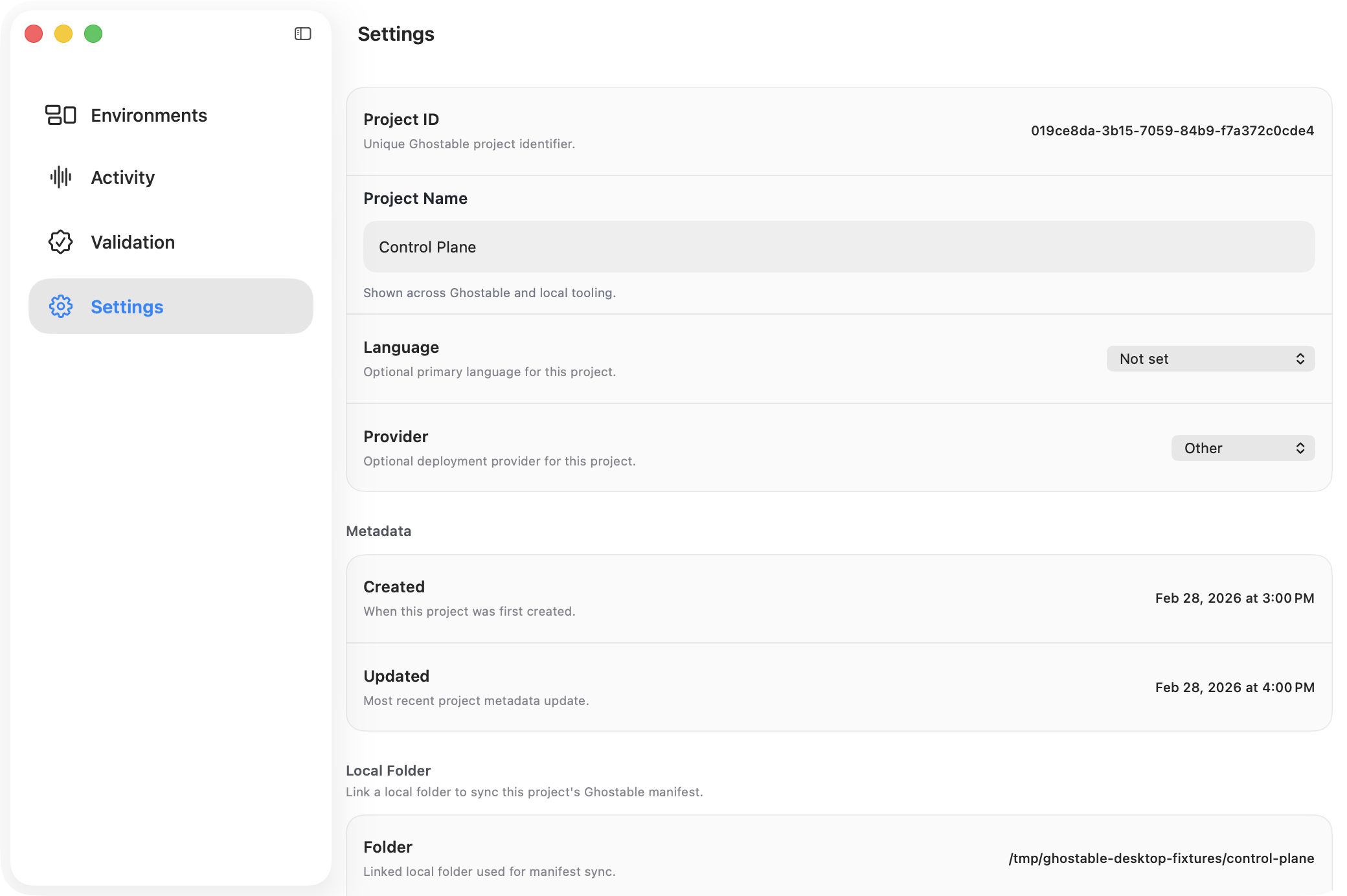
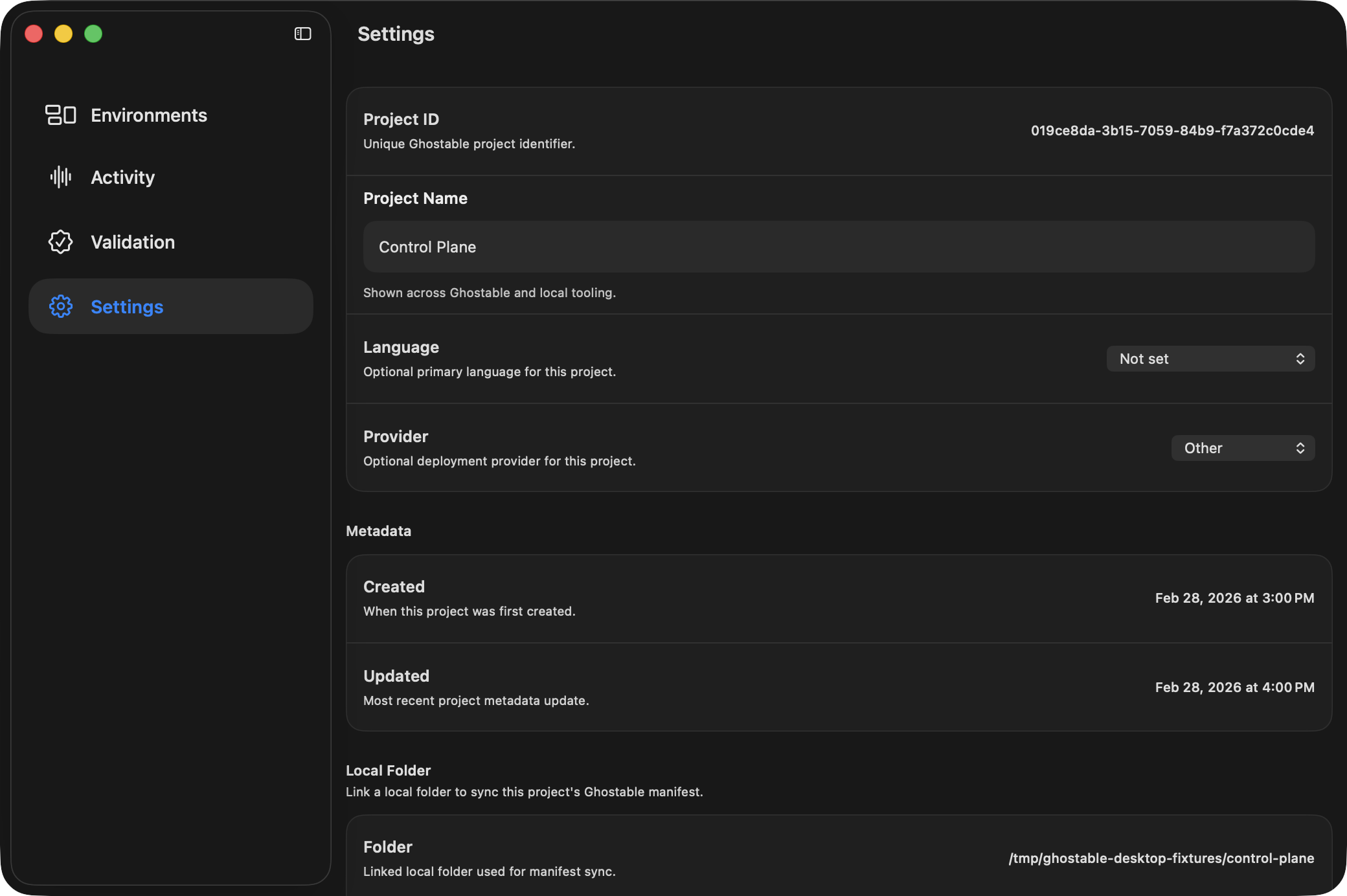
1. Open the project window.
2. Go to **Settings**.
3. Find the **Local Folder** section.
4. Click **Link Folder** and choose the project directory.
After the link is saved, Desktop shows the selected folder path and, when present, the manifest
path.
{/* ghostable:screenshot-output desktop-link-folder-project-settings:start */}
 ## What You Unlock
* validation from the Project window,
* manifest sync,
* exporting `.env` files back into the repo,
* opening the folder or manifest directly from Project Settings.
## Continue
Keep the local Ghostable manifest aligned with the project metadata.
Use the linked folder for local `.env` workflows.
## What You Unlock
* validation from the Project window,
* manifest sync,
* exporting `.env` files back into the repo,
* opening the folder or manifest directly from Project Settings.
## Continue
Keep the local Ghostable manifest aligned with the project metadata.
Use the linked folder for local `.env` workflows.