> ## Documentation Index
> Fetch the complete documentation index at: https://docs.ghostable.dev/llms.txt
> Use this file to discover all available pages before exploring further.
# Manifest Sync
> Use Desktop to keep `.ghostable/ghostable.yaml` aligned with the linked Ghostable project.
The manifest is safe metadata that connects a local repo to a Ghostable project.
## What Gets Synced
Desktop uses the linked project folder to locate `.ghostable/ghostable.yaml`, then syncs the local
manifest with the project's current metadata.
That includes safe information such as:
* project identity,
* stack profile,
* deployment provider,
* known environments.
## How to Sync
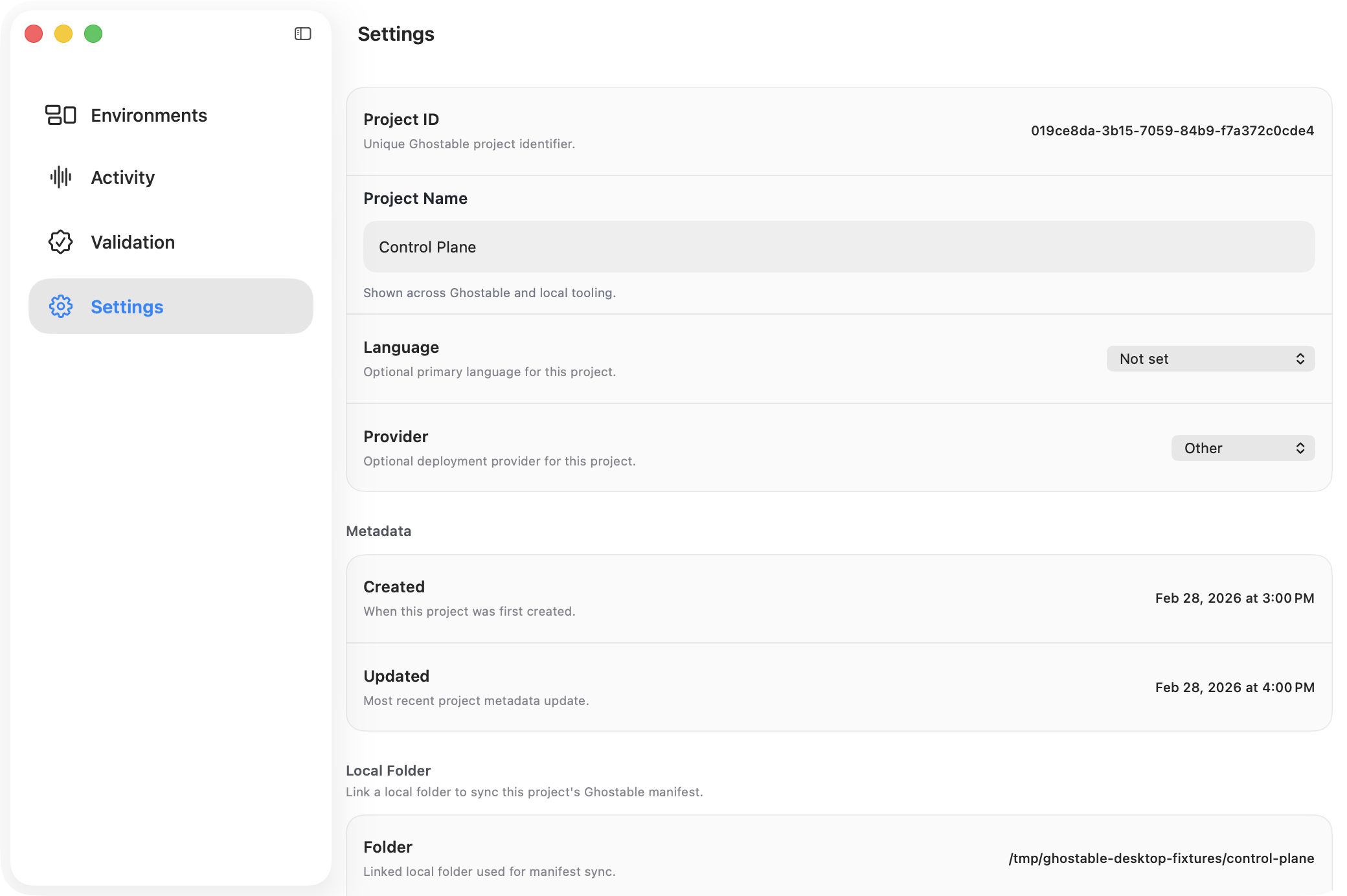
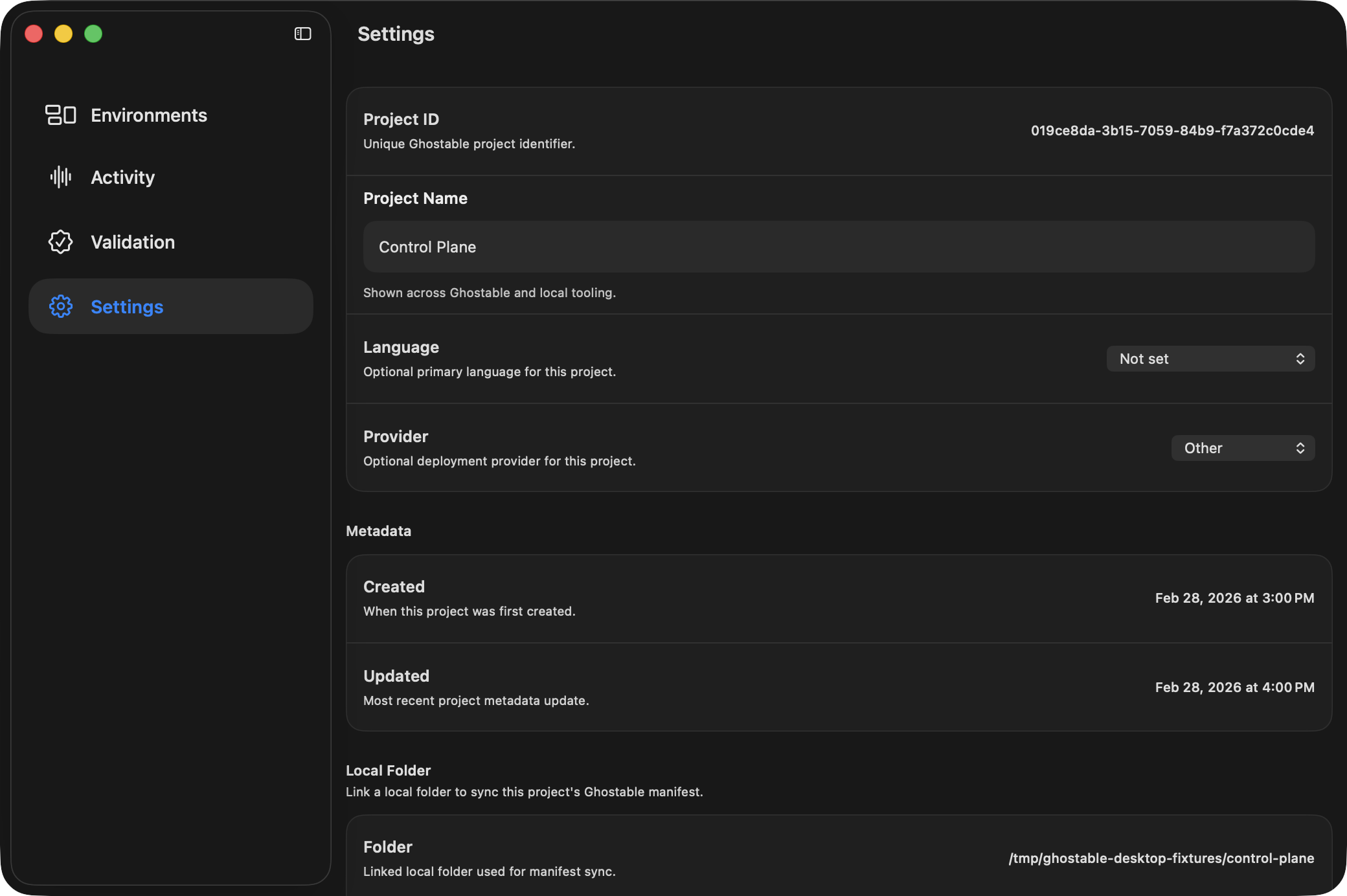
1. Open the project window.
2. Go to **Settings**.
3. Confirm a local folder is linked.
4. Click **Sync Manifest** in the **Local Folder** section.
If the manifest already exists, Desktop updates it in place. If the file is missing, the linked
folder must be corrected before sync can succeed.
{/* ghostable:screenshot-output desktop-manifest-sync-project-settings:start */}
 ## Related Actions
Project Settings also lets you:
* open the linked folder,
* open the manifest directly,
* change the linked folder,
* unlink the local folder entirely.
## Continue
Set up the local path before you rely on manifest sync.
Use the terminal workflow when you need to bootstrap the same manifest from a shell.
## Related Actions
Project Settings also lets you:
* open the linked folder,
* open the manifest directly,
* change the linked folder,
* unlink the local folder entirely.
## Continue
Set up the local path before you rely on manifest sync.
Use the terminal workflow when you need to bootstrap the same manifest from a shell.