> ## Documentation Index
> Fetch the complete documentation index at: https://docs.ghostable.dev/llms.txt
> Use this file to discover all available pages before exploring further.
# Environments
> Environments are the encrypted secret sets you manage, version, validate, and deploy.
Read how Ghostable handles keys, devices, and deploy tokens across all clients.
## What an Environment Holds
An environment is a named secret set inside a project, such as `development`, `staging`, or
`production`. Each environment keeps:
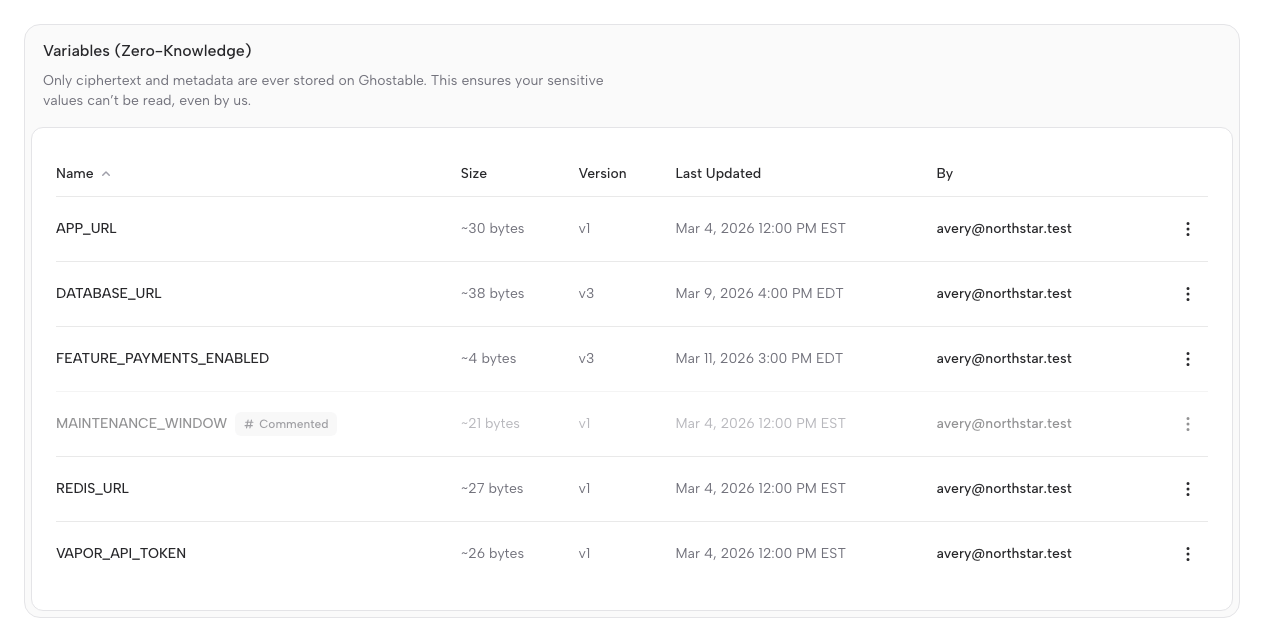
* Encrypted variable values.
* Per-variable version history.
* A durable note for each variable.
* A flat comment thread for each variable.
* An optional reason attached to the specific version created by a value change.
* Validation context.
* Access decisions tied to devices and deploy tokens.
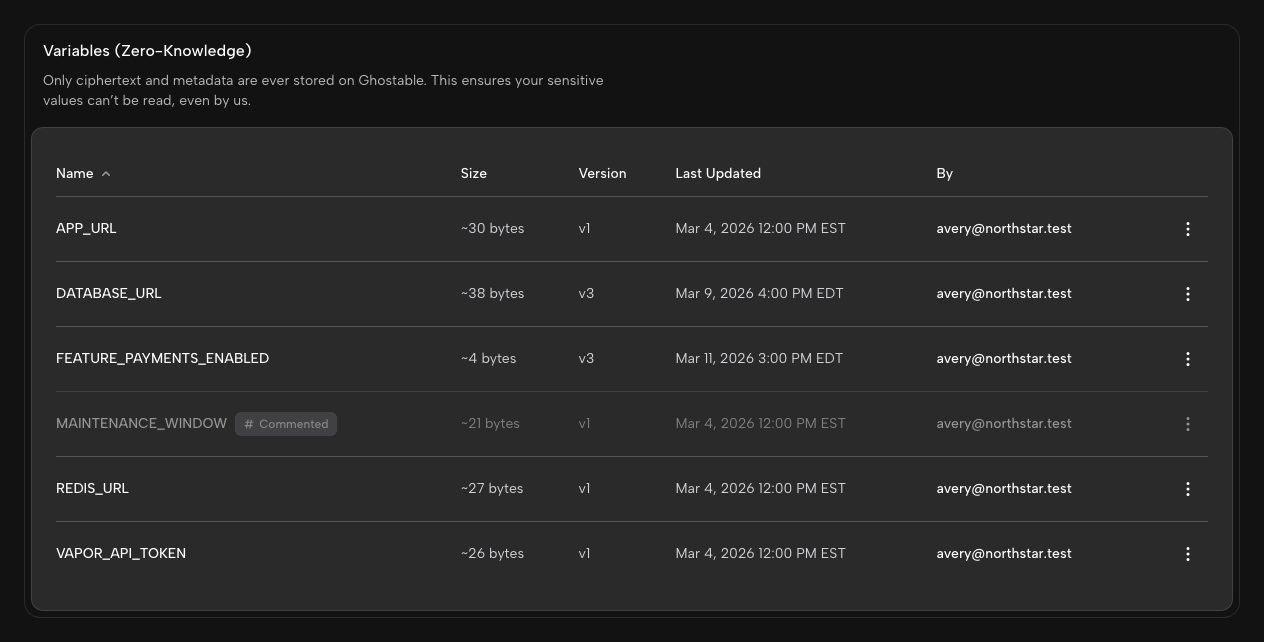
{/* ghostable:screenshot-output fundamentals-environments-variables-table:start */}
 ## Shared Behavior Across Clients
No matter which client you use, Ghostable treats environments the same way:
* Variables are encrypted before they are stored remotely.
* Freeform notes, comments, and version change reasons are encrypted before they are stored
remotely.
* History, activity, and notifications remain available without exposing plaintext.
* Validation rules can be applied before a change is promoted.
* New devices or identities may require a key re-share before they can decrypt.
## Variable Context
Ghostable stores more than the variable value itself. Each variable can also include:
* a shared note for documenting intent, constraints, dependencies, or agent instructions,
* a flat team comment thread for discussion around that key,
* a reason for change tied to the exact version created when a value is updated.
These freeform fields stay zero-knowledge. Trusted clients can decrypt and edit them locally, while
server-side activity and notification systems only use metadata such as actor, variable, project,
and environment.
## Local Files vs Remote State
Ghostable is the system of record for encrypted environment state. Local `.env` files are working
copies used for editing, export, validation, and deployment workflows.
Desktop and CLI can both import from local files and export back to local files, but the remote
environment remains the shared coordination point for teams.
## Continue with Your Client
Browse variables, inspect history, and import or export local files from the app.
Use push, pull, diff, sync, and history commands from the terminal.
## Shared Behavior Across Clients
No matter which client you use, Ghostable treats environments the same way:
* Variables are encrypted before they are stored remotely.
* Freeform notes, comments, and version change reasons are encrypted before they are stored
remotely.
* History, activity, and notifications remain available without exposing plaintext.
* Validation rules can be applied before a change is promoted.
* New devices or identities may require a key re-share before they can decrypt.
## Variable Context
Ghostable stores more than the variable value itself. Each variable can also include:
* a shared note for documenting intent, constraints, dependencies, or agent instructions,
* a flat team comment thread for discussion around that key,
* a reason for change tied to the exact version created when a value is updated.
These freeform fields stay zero-knowledge. Trusted clients can decrypt and edit them locally, while
server-side activity and notification systems only use metadata such as actor, variable, project,
and environment.
## Local Files vs Remote State
Ghostable is the system of record for encrypted environment state. Local `.env` files are working
copies used for editing, export, validation, and deployment workflows.
Desktop and CLI can both import from local files and export back to local files, but the remote
environment remains the shared coordination point for teams.
## Continue with Your Client
Browse variables, inspect history, and import or export local files from the app.
Use push, pull, diff, sync, and history commands from the terminal.