

Need the platform overview?
Review the shared Ghostable model before diving into a specific client workflow.
What an Organization Contains
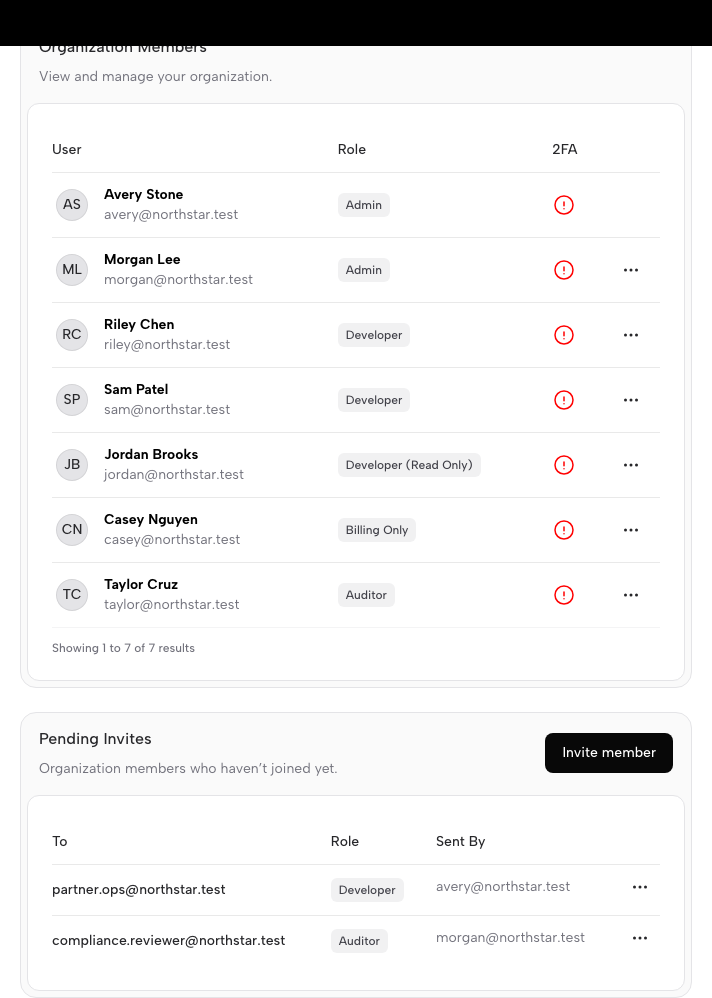
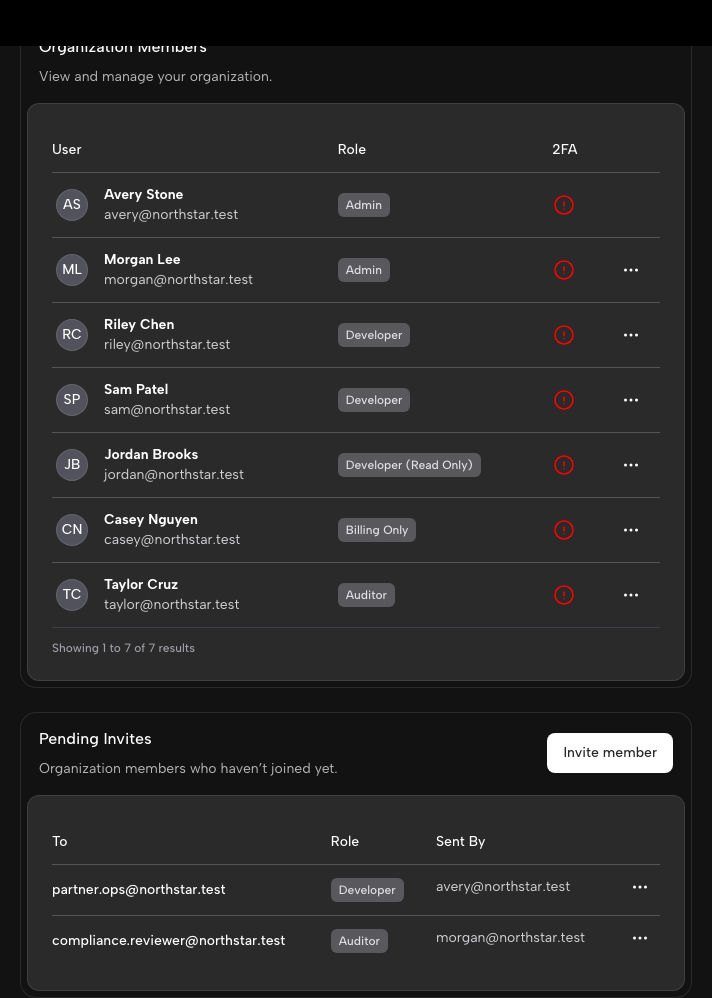
An organization is the highest-level workspace in Ghostable. It contains:- members and invitations,
- projects,
- environment access policies,
- activity records,
- billing and ownership controls managed in the web app.
How Clients Surface Organizations
- Desktop uses the launcher to switch organizations, create new ones, and open the organization manager window.
- CLI lets you list the organizations available to your current session and switch the active context.
- Web handles billing, ownership, and other account-administration details.
Why Organizations Matter
Organizations are the boundary where collaboration begins. Every Ghostable project and environment belongs to one organization, and access decisions flow from that relationship.Continue with Your Client
Use the Desktop app
Switch organizations, manage members, and open projects from the macOS app.
Use the CLI
Review the CLI install and login flow, including organization context switching.