
Documentation Index

Fetch the complete documentation index at: https://docs.ghostable.dev/llms.txt

Use this file to discover all available pages before exploring further.

Ghostable CLI 1.x is legacy. Prefer the current Desktop docs or CLI 2.x docs for new work.

Obtain a token

To load environment variables during automated deployments, Ghostable provides CLI tokens that authenticate your CI/CD pipelines (GitHub Actions, GitLab CI, Laravel Cloud, etc.) with your Ghostable environment.Ghostable app screenshot of token management panel
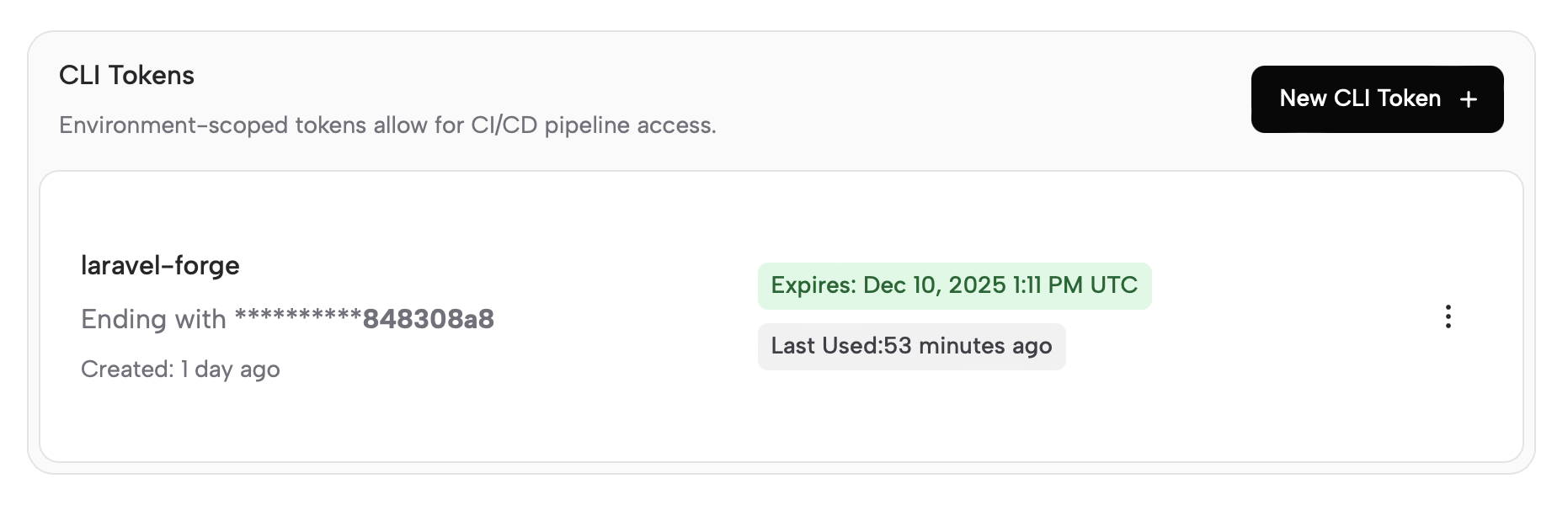
  1. In the Ghostable dashboard, navigate to the environment you wish to deploy.
  2. Go to Settings tab, then Access on my sidebar and create a new CLI token. Tokens expire after 7, 30, or 60 days.
  3. Copy the token when it is shown—you will not be able to view it again.

Provider guides

After creating your token, follow one of the provider guides to integrate Ghostable into your workflow: OpenClaw uses Ghostable’s generic env-file deploy flow. See the OpenClaw integration guide for the Docker and host-runtime setup.