

Need the platform overview?
Read the shared Ghostable overview if you are comparing Desktop, CLI, and automation workflows.
Why Use the Desktop App
The Ghostable desktop app is the default client for day-to-day work on macOS. It gives teams a native workspace for:- signing in through the browser,
- linking a trusted device,
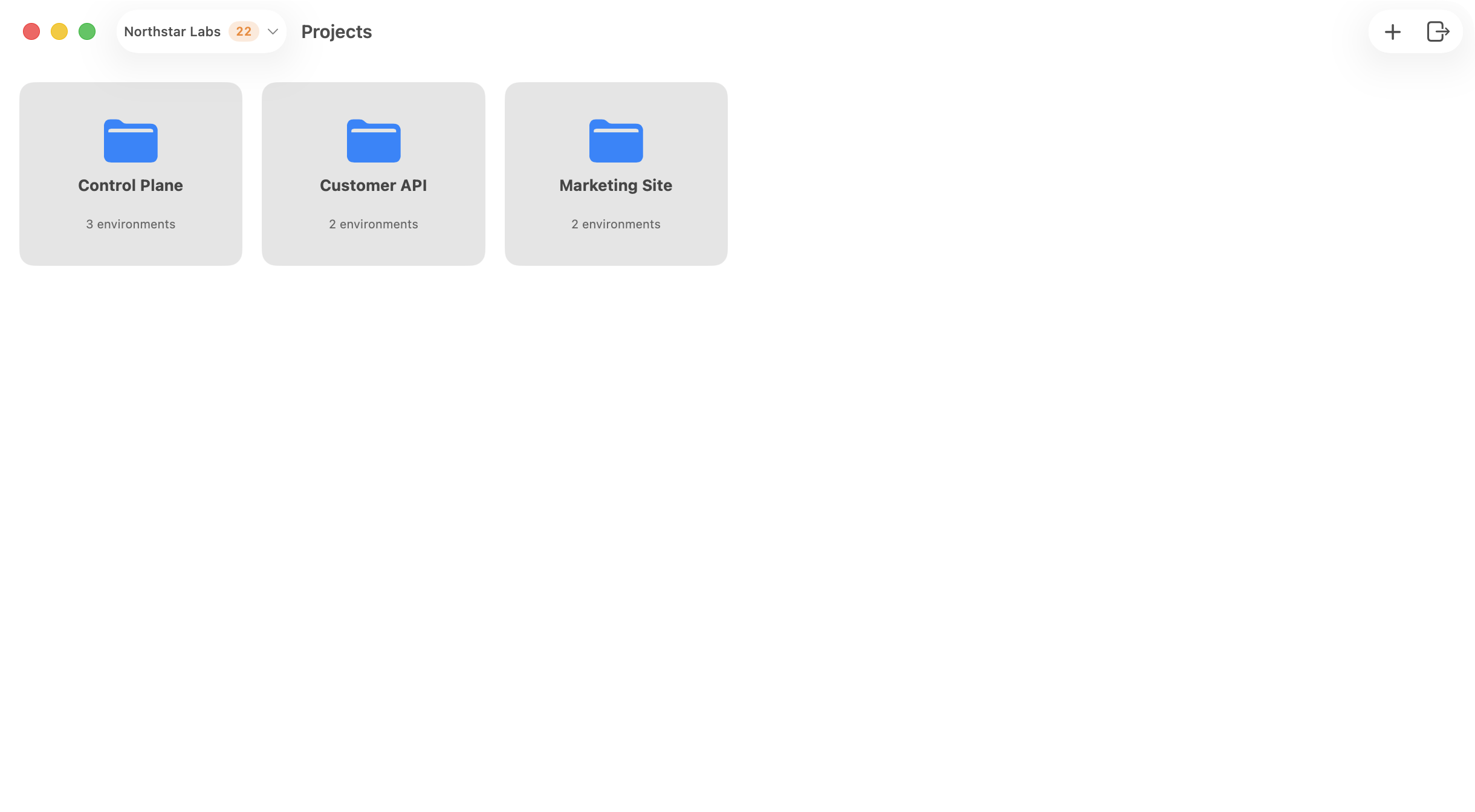
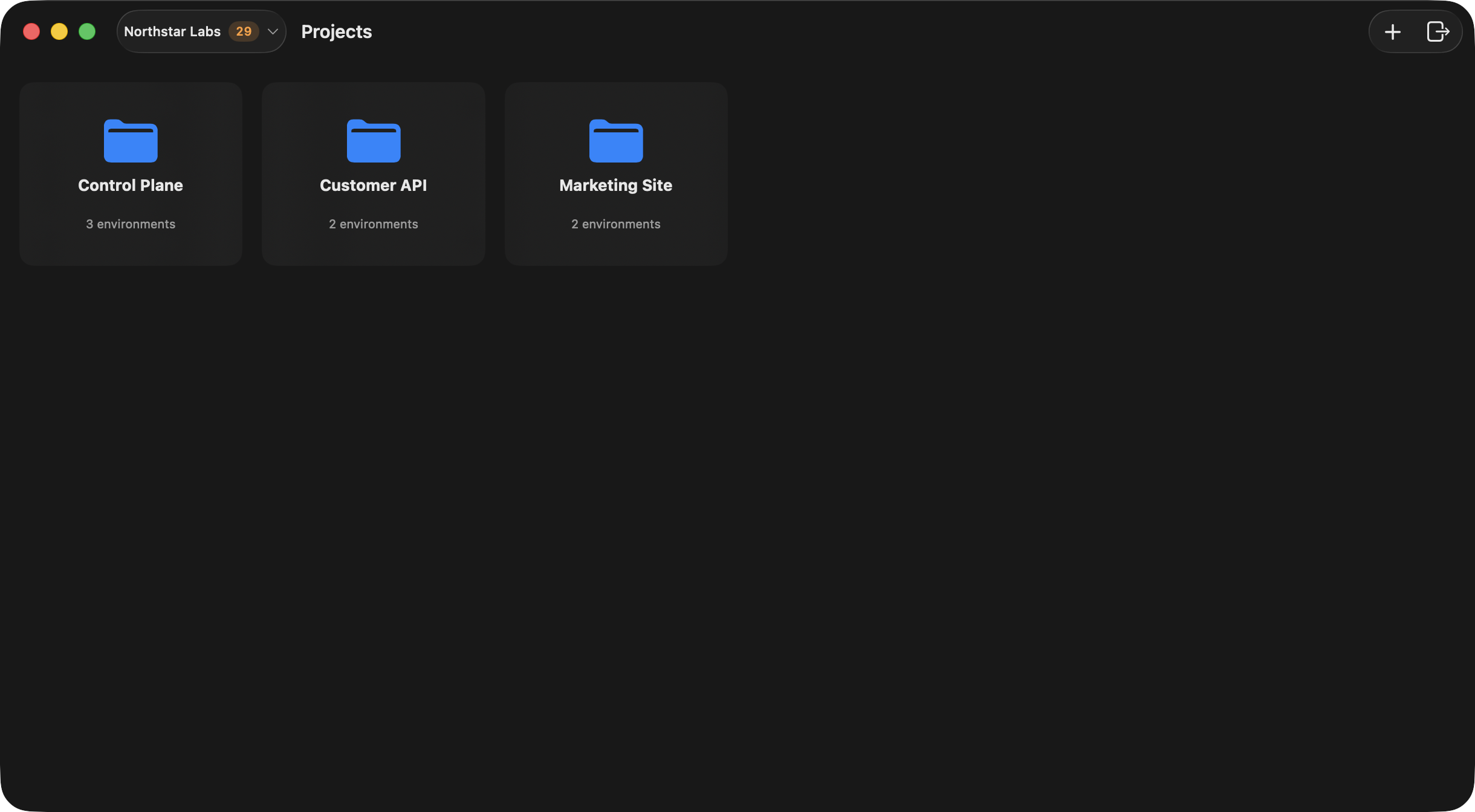
- browsing organizations, projects, and environments,
- editing and reviewing variables,
- checking history and validation results,
- issuing deploy tokens for CI.
Desktop Flow at a Glance
- Sign in from the app with your Ghostable account.
- Link the Mac as a trusted device.
- Choose an organization from the launcher.
- Open a project, then open an environment.
- Manage variables, validation, history, and local integration from the app.
Continue
Install and sign in
Set up the app and complete the browser-based login flow.
Link your device
Register this Mac before you attempt any encrypted environment workflows.
Tour the interface
Learn how the launcher, organization, project, and environment windows fit together.