

Read the shared deploy token model
Learn when to use deploy tokens instead of a linked human device.
Where Deploy Tokens Live
Open an environment window and switch to Deploy Tokens. This view is scoped to the current environment so you can keep automation credentials tight.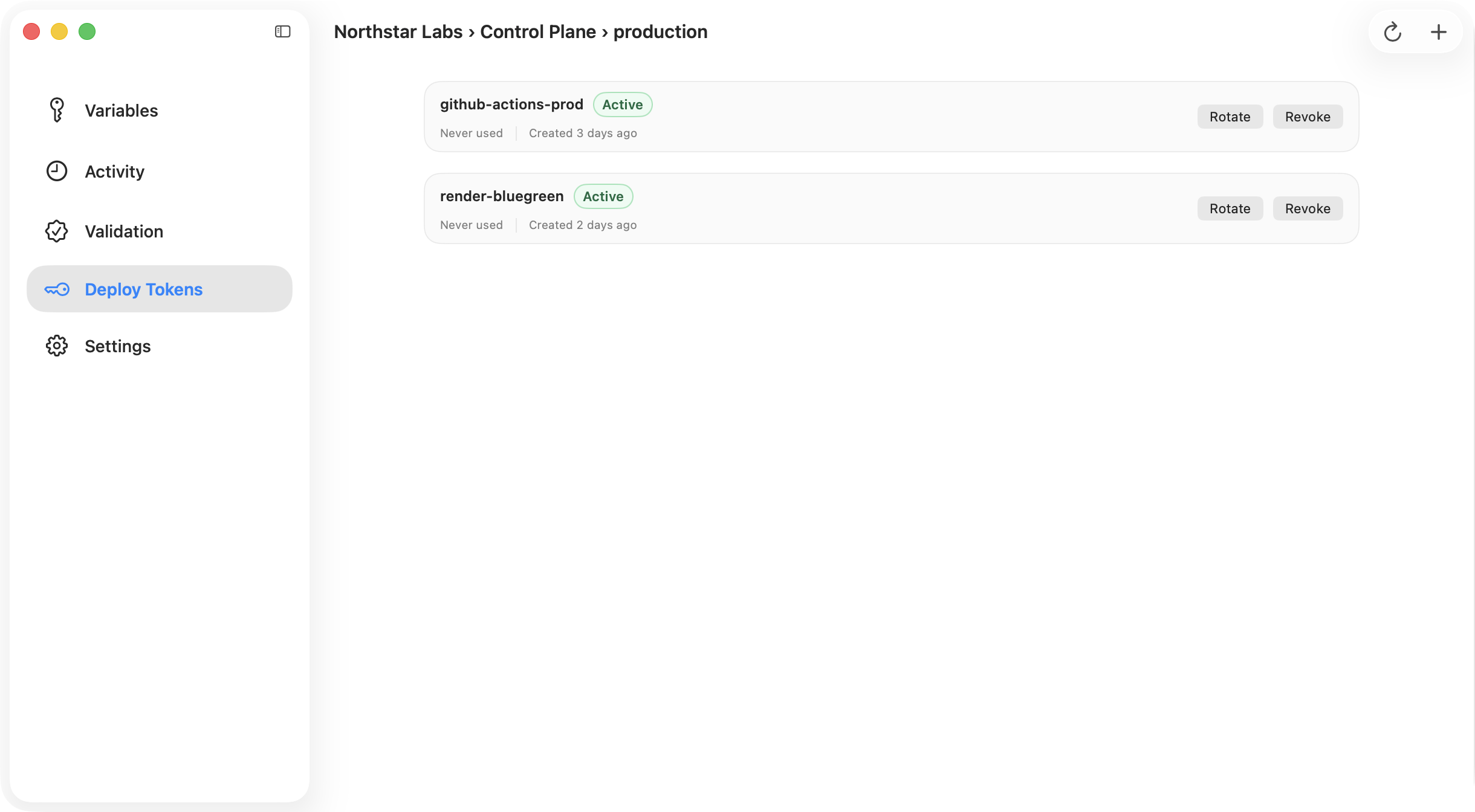
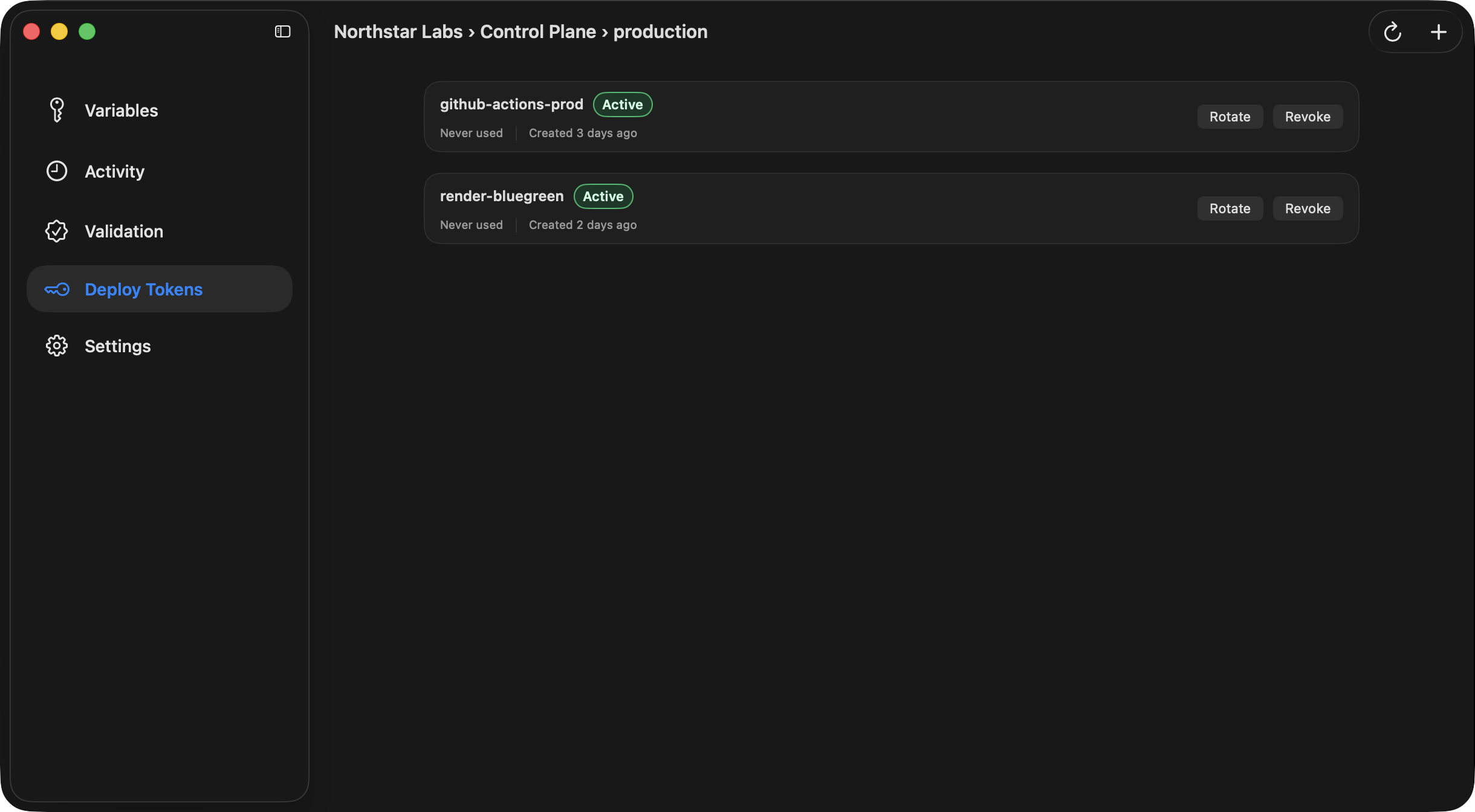
What You Can Do
Desktop supports the full token lifecycle:- create a token,
- rotate the cryptographic secret for an existing token,
- revoke a token,
- delete a token record.
Export Block for CI
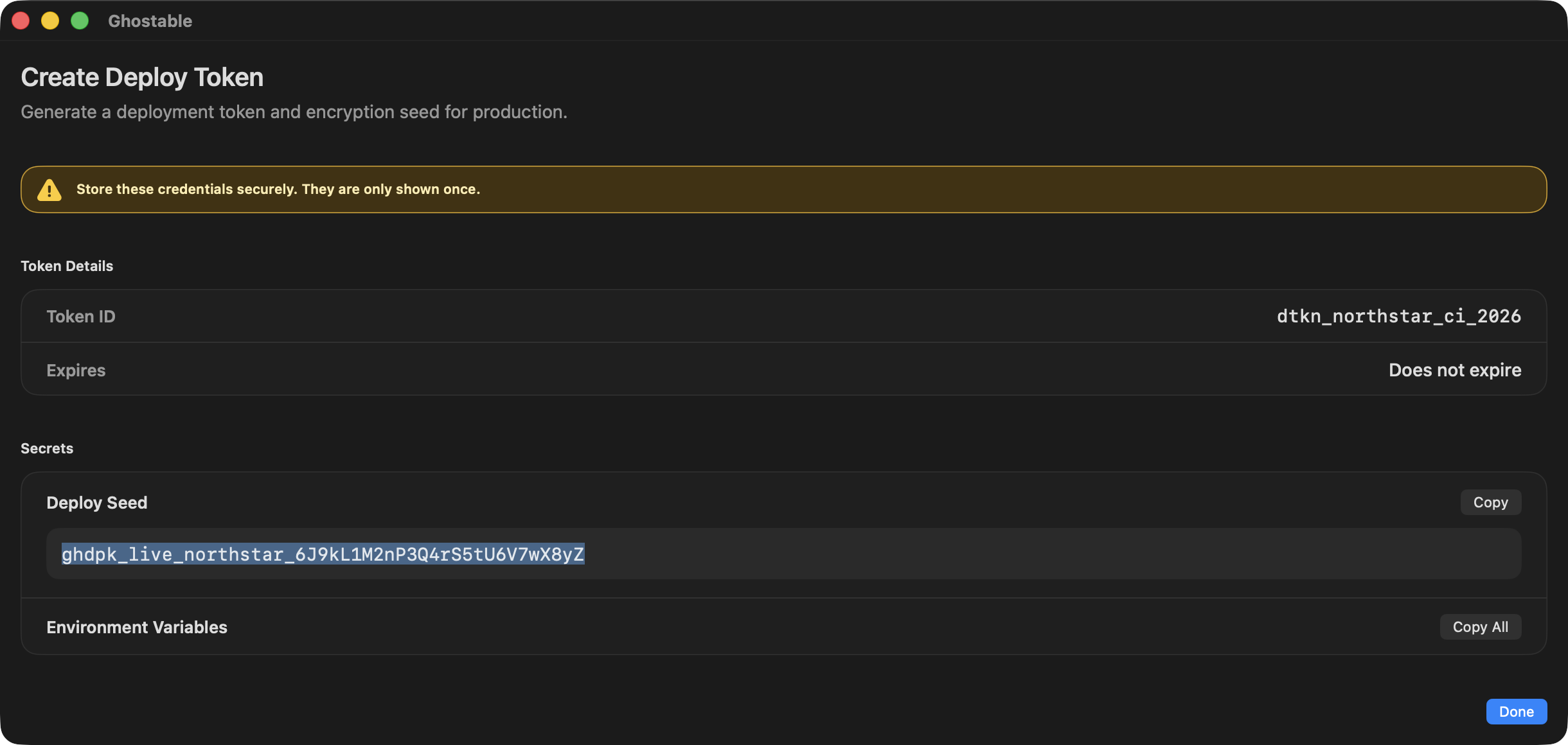
The result sheet includes a copyable environment-variable block so you can paste the issued values into GitHub Actions, your deployment provider, or another secret manager workflow.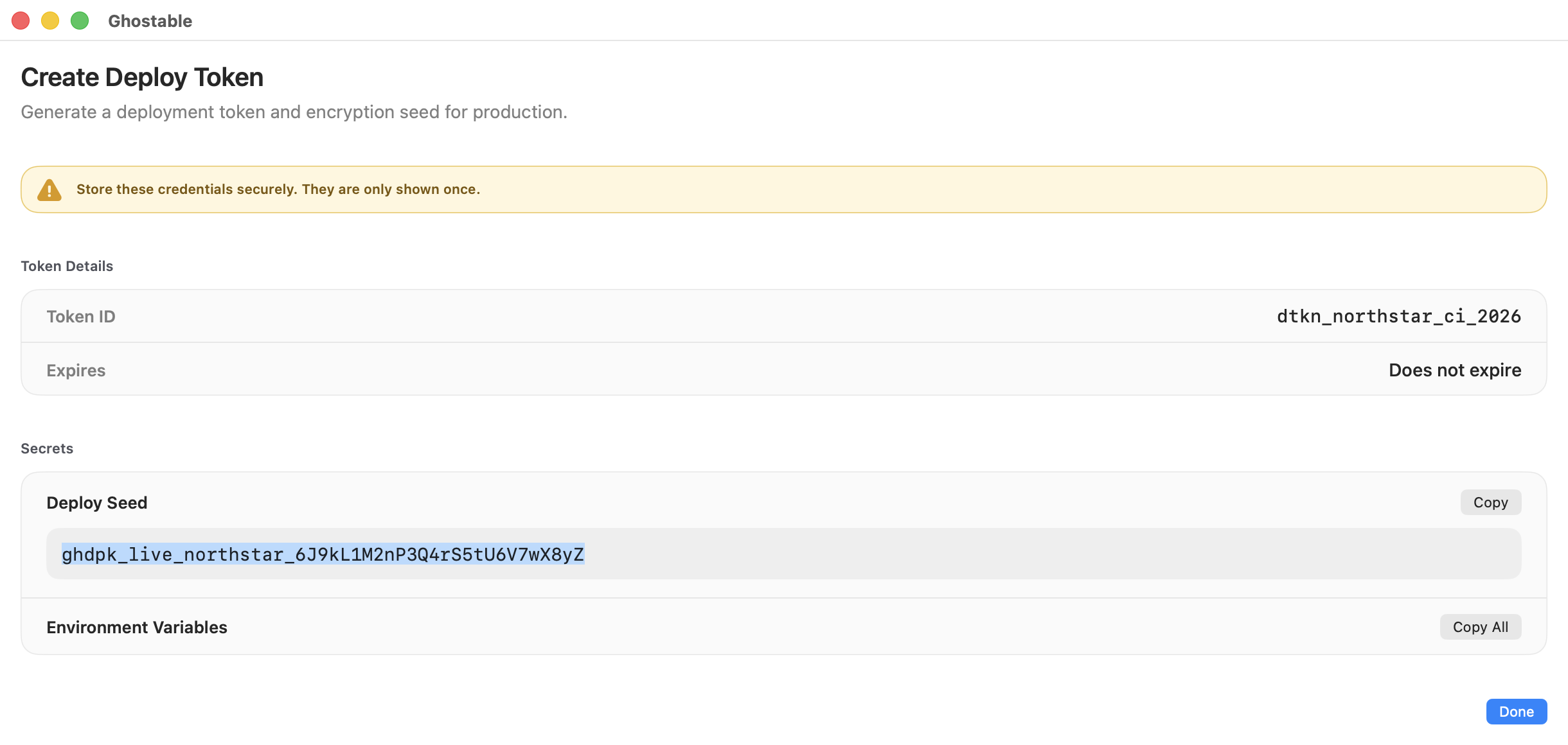
Continue
Use CLI for automation
Prefer the terminal flow when you are provisioning CI from an existing shell workflow.
Understand CI deployment flows
See how deploy tokens are consumed in automation and provider-specific setups.