

Read the shared project model
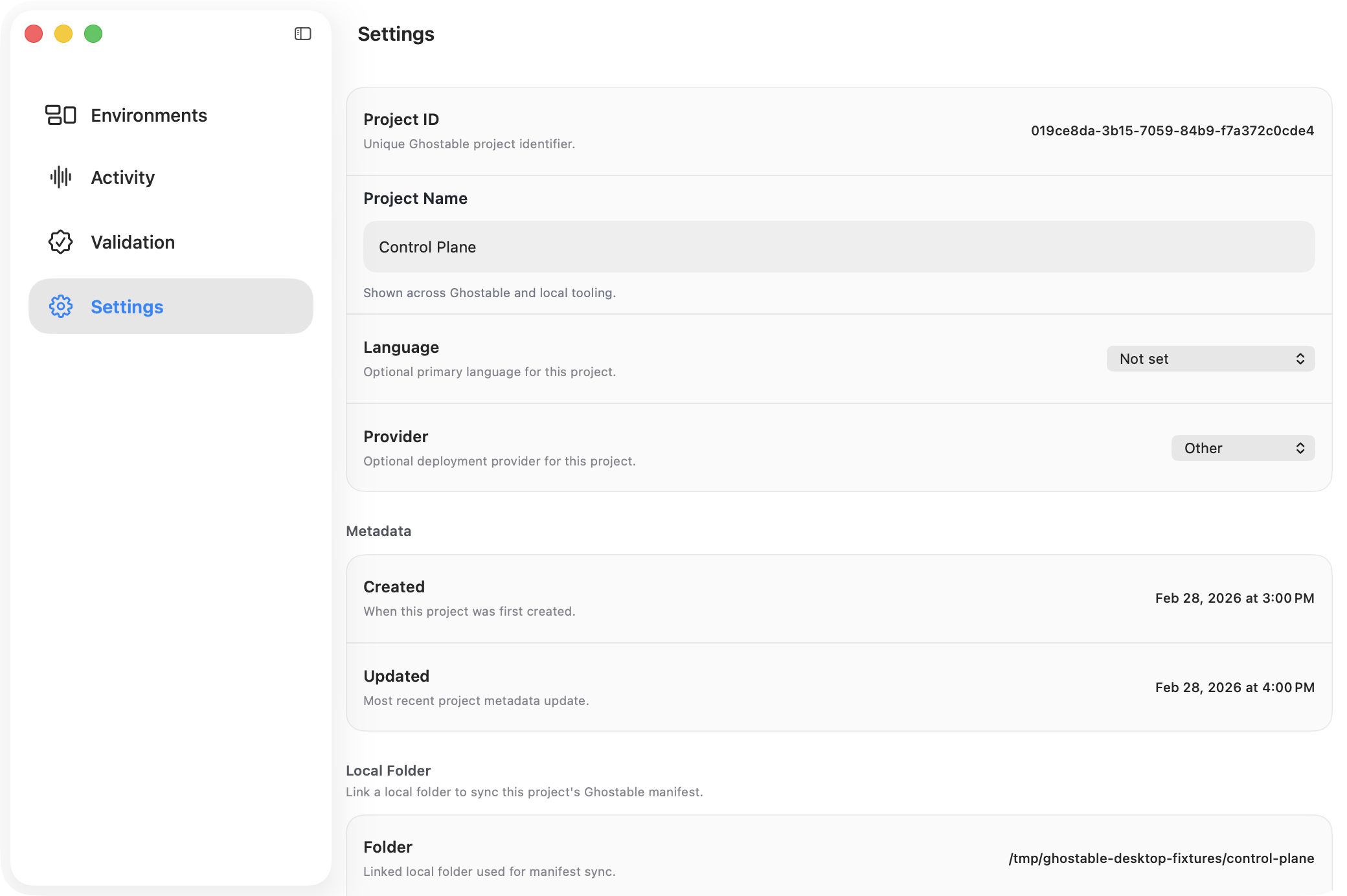
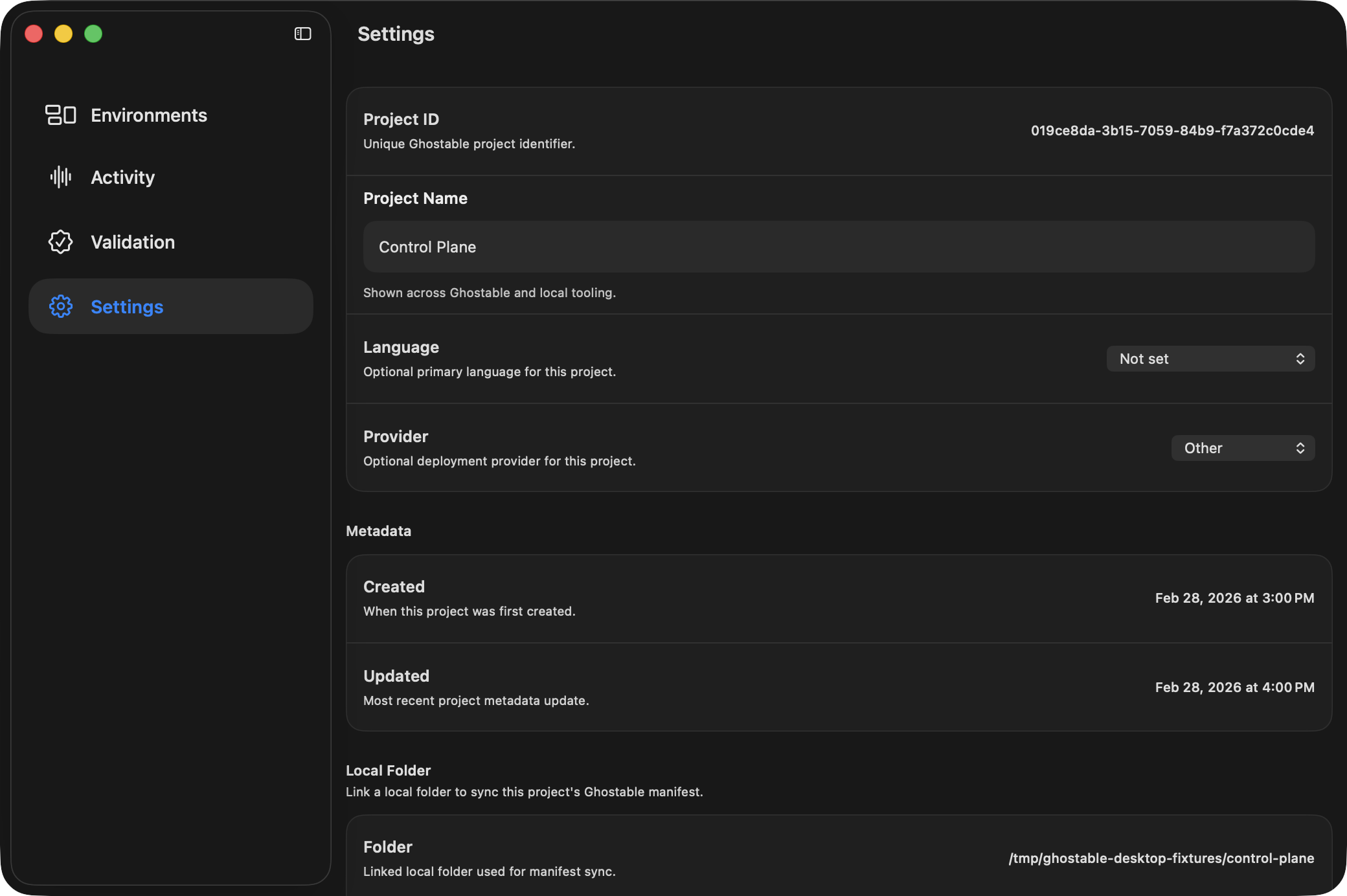
The linked folder is the local companion to the shared Ghostable project record.
Why Link a Folder
Linking a folder lets Desktop find local, non-secret project files such as:.ghostable/ghostable.yaml.ghostable/schema.yaml.ghostable/schemas/*.yaml
How to Link
- Open the project window.
- Go to Settings.
- Find the Local Folder section.
- Click Link Folder and choose the project directory.
What You Unlock
- validation from the Project window,
- manifest sync,
- exporting
.envfiles back into the repo, - opening the folder or manifest directly from Project Settings.
Continue
Sync the manifest
Keep the local Ghostable manifest aligned with the project metadata.
Import and export env files
Use the linked folder for local
.env workflows.