

Read the shared key re-sharing model
Promotion review and key access are related. Use this page for desktop-specific review flow.
Where Requests Appear
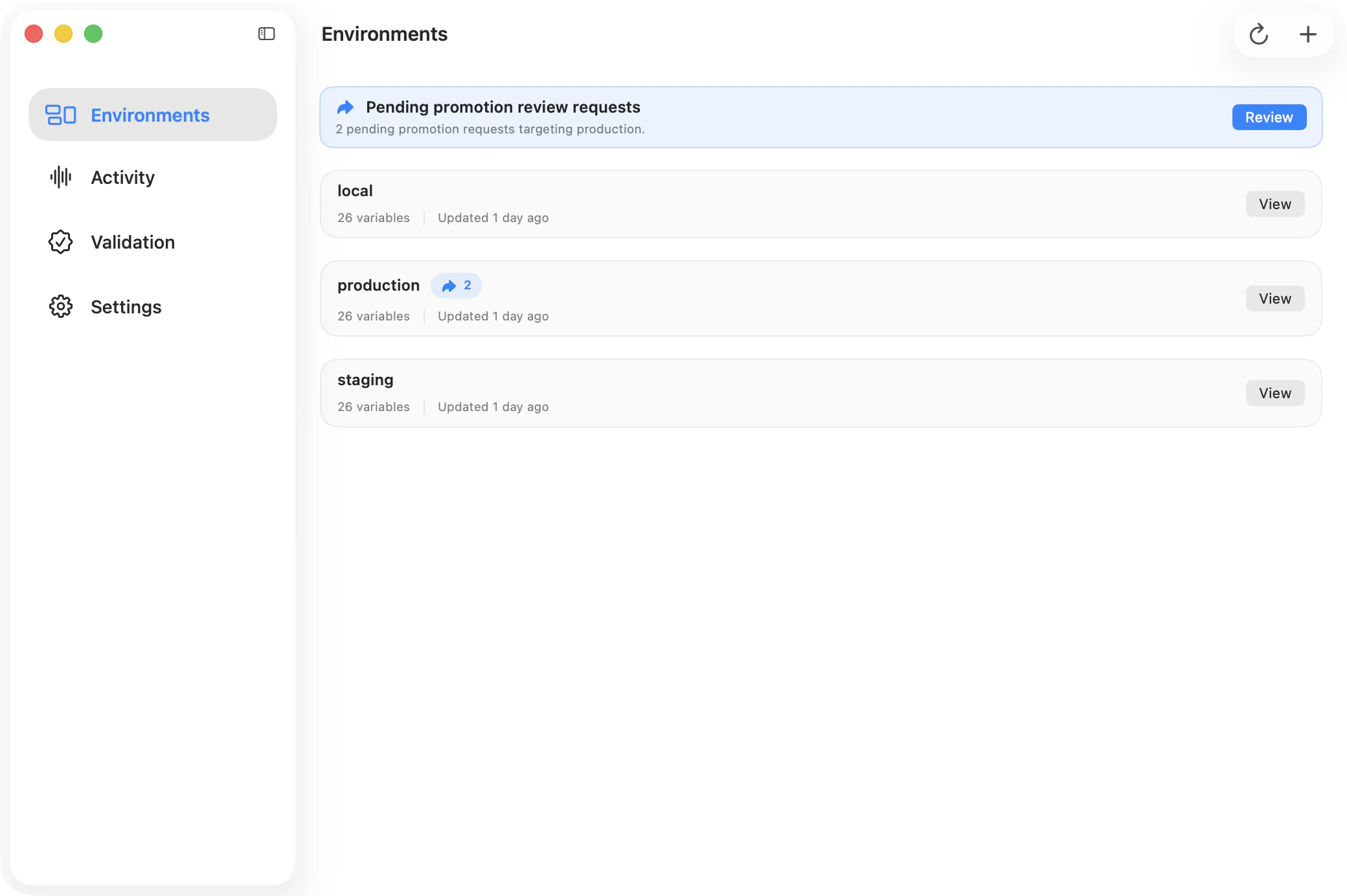
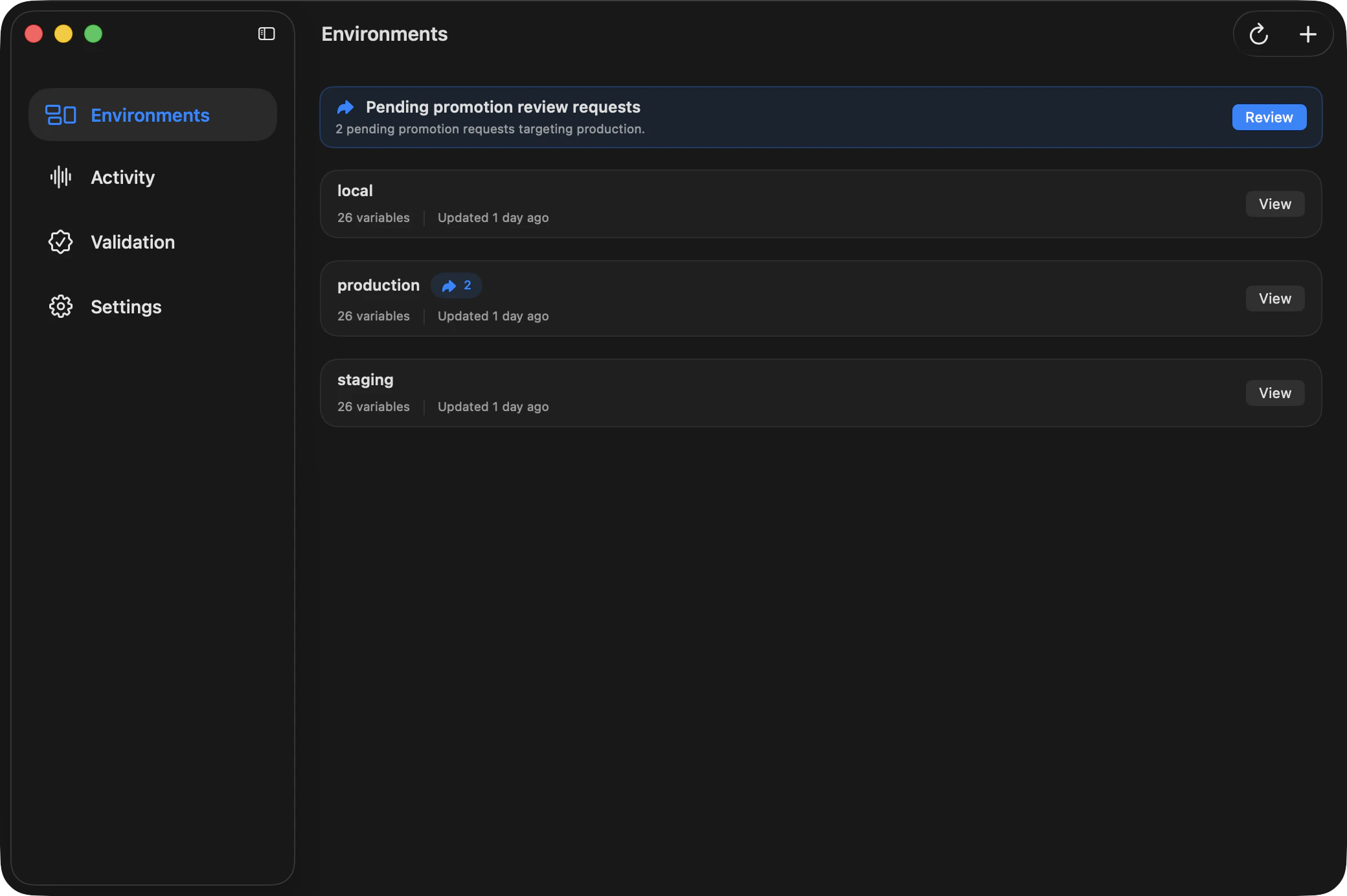
In desktop, pending requests can surface in multiple places:- project environment cards (pending request indicators),
- target environment Variables view (pending review banner),
- review entry points that deep-link to the target environment.
Review Flow
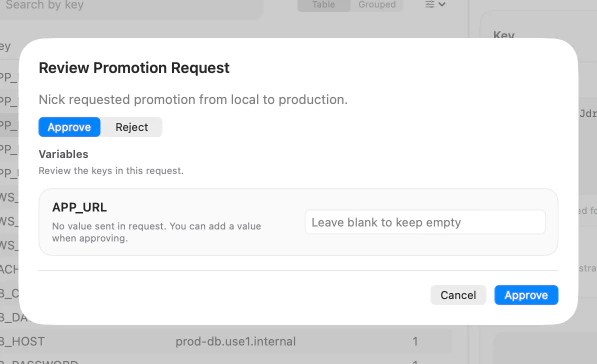
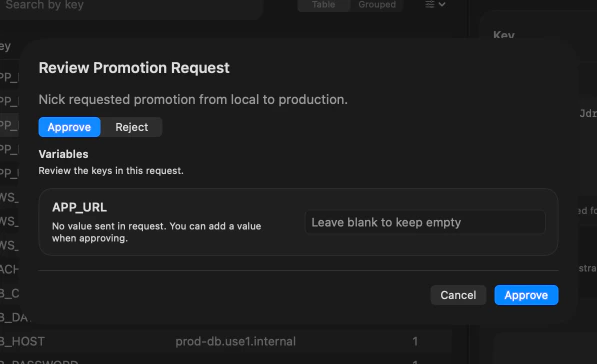
From a pending request entry point, choose Review to open the promotion review modal. The review flow shows:- requester + source to target direction,
- requested key list,
- whether values were included in the request,
- current request status.
Decisions
Choose one decision in the modal:- Approve (default)
- Reject
Included Value Decryption Warnings
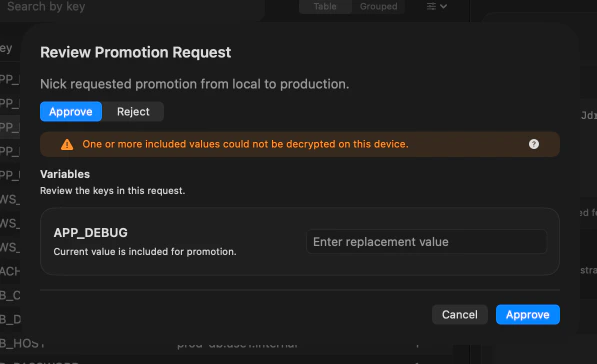
If a request includes values but your device cannot decrypt one or more of them, desktop shows a warning and lets you provide explicit values during approval. Common cause: the request was created before this device received the relevant environment key shares.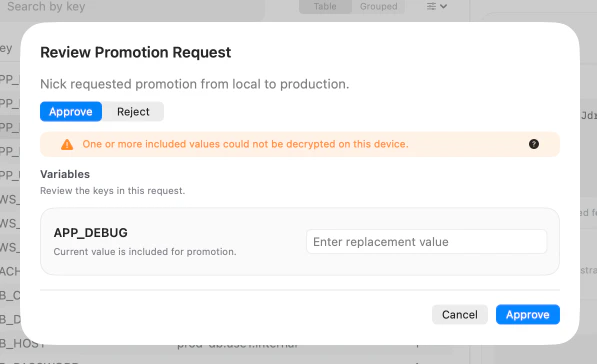
Permissions and Safety
Desktop enforces environment permissions from the API:- reviewers need target-environment write capability to approve,
- sensitive data remains client-side encrypted,
- request and activity records remain metadata-forward for auditability.
Continue
Environments and variables
Return to the primary environment editing workspace.
Validation and history
Review project/environment history and validation workflows.