

Read the shared environment model
Desktop import and export workflows operate on the same environment records used by CLI and
automation.
Import a Local File
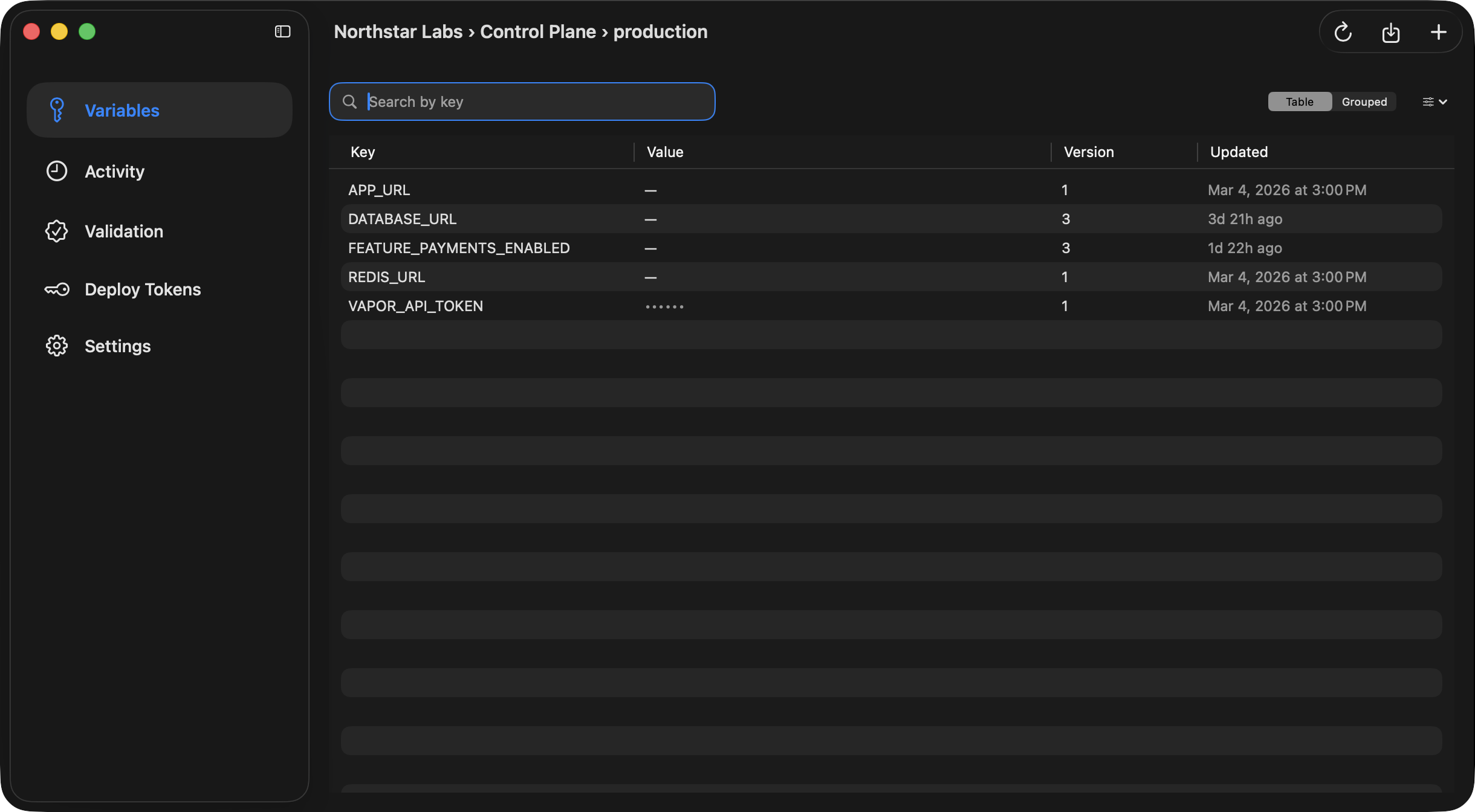
From the Variables view, choose Import .env File… to parse a local environment file and push its entries into the current Ghostable environment. Desktop preserves useful details from the imported file, including disabled variables, then writes the resulting state back through the encrypted environment workflow.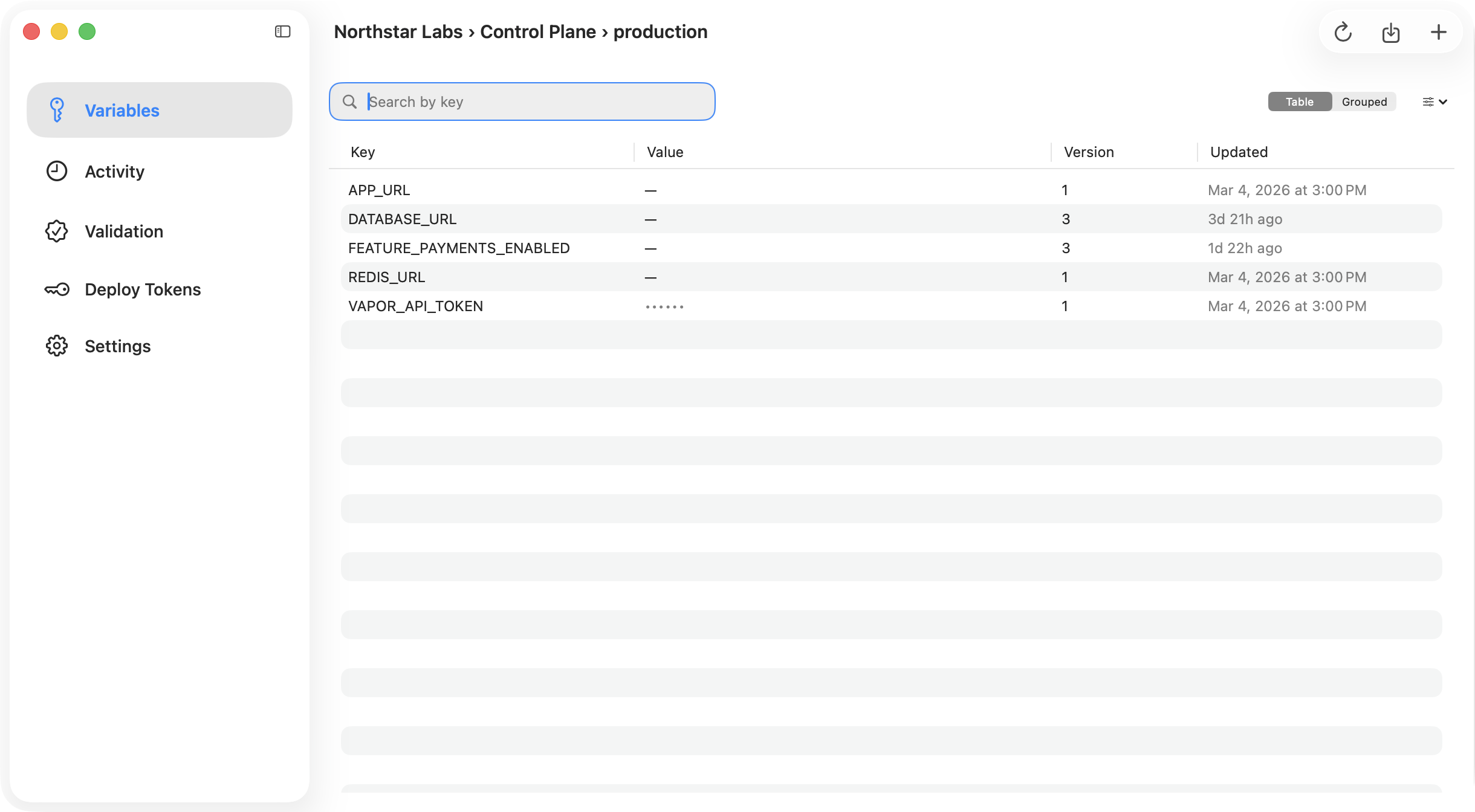
Export Back to Disk
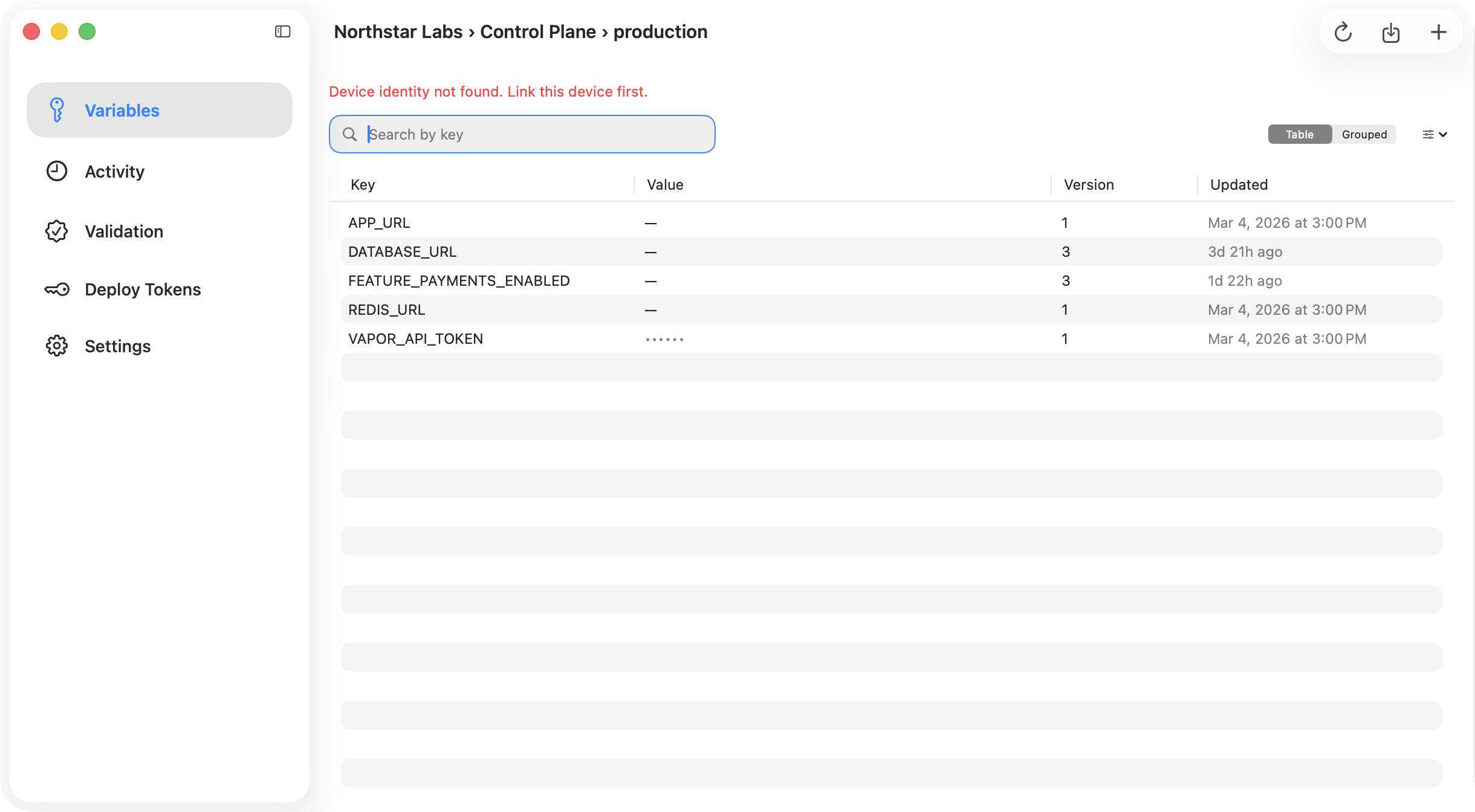
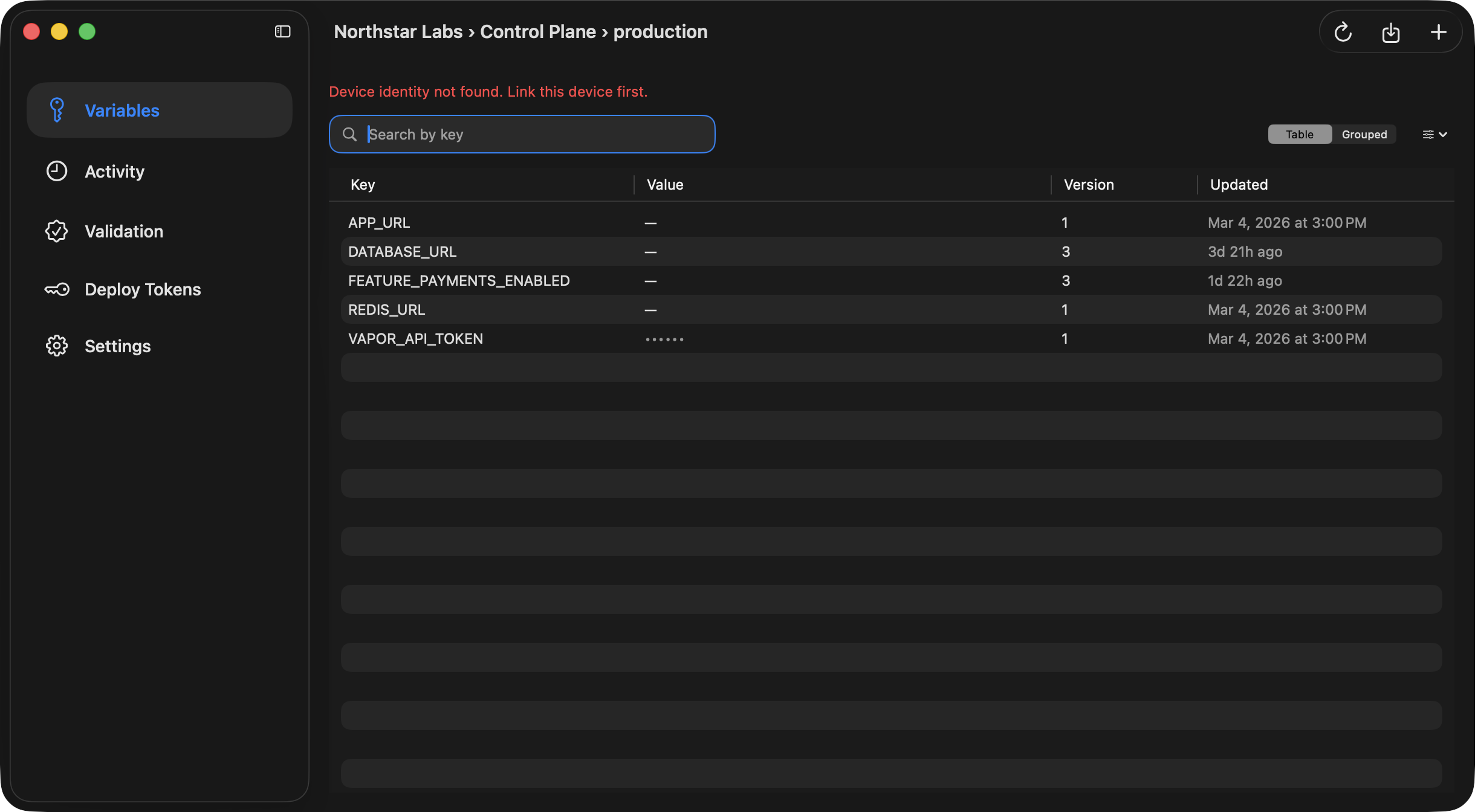
From the same Variables view, use the export button to write the current environment into a local.env.<environment> file.
Desktop requires a linked project folder before export is enabled, because it uses that folder as
the default destination.
Export Safety
When Desktop exports to an existing file path, it performs a replacement workflow and creates a backup before writing the new file.Continue
Link a folder
Export requires a linked local project folder.
Use CLI pull and push
Prefer the terminal if your local file workflow already lives in scripts.