

Read the shared project model
The manifest is safe metadata that connects a local repo to a Ghostable project.
What Gets Synced
Desktop uses the linked project folder to locate.ghostable/ghostable.yaml, then syncs the local
manifest with the project’s current metadata.
That includes safe information such as:
- project identity,
- stack profile,
- deployment provider,
- known environments.
How to Sync
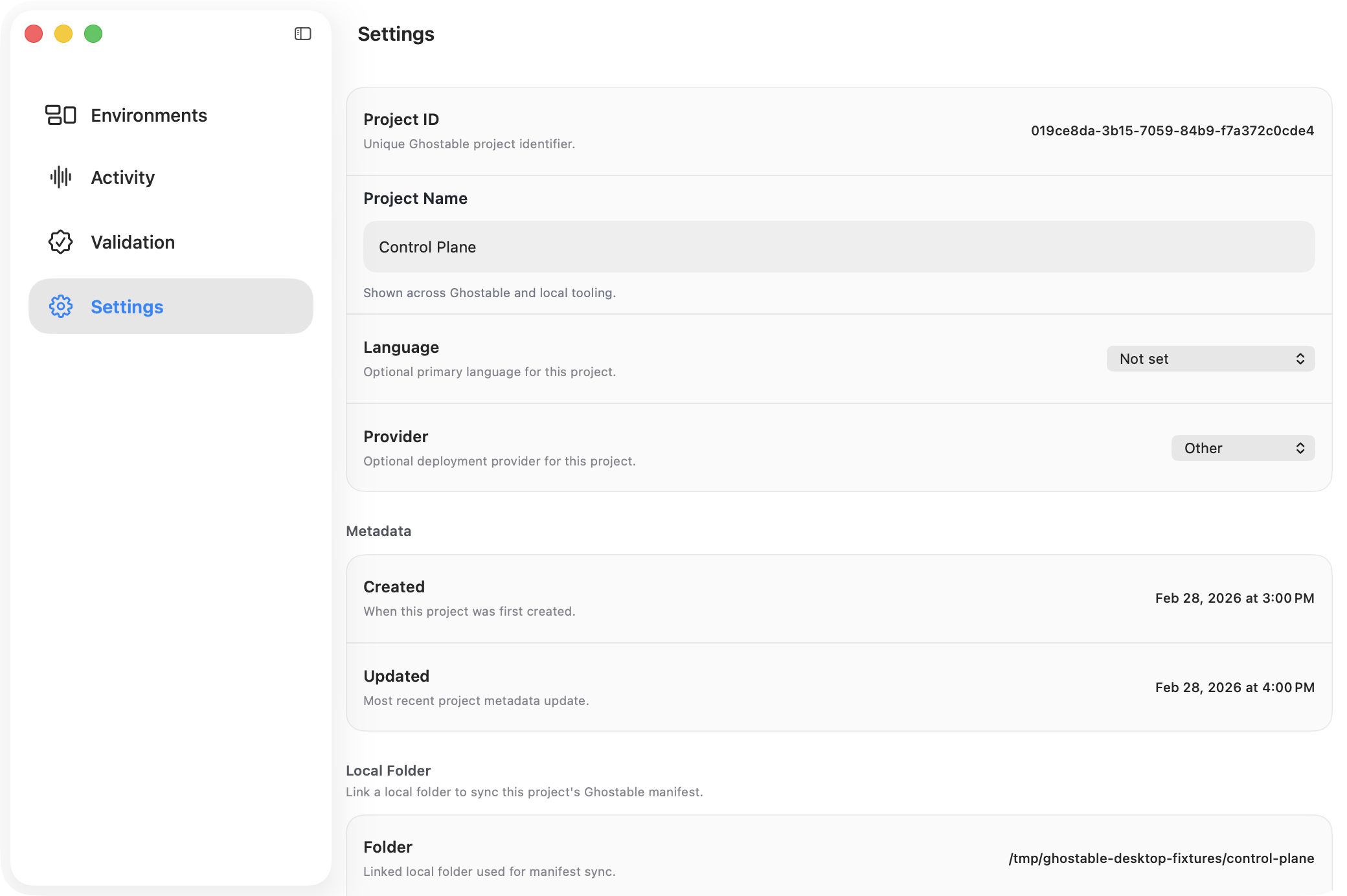
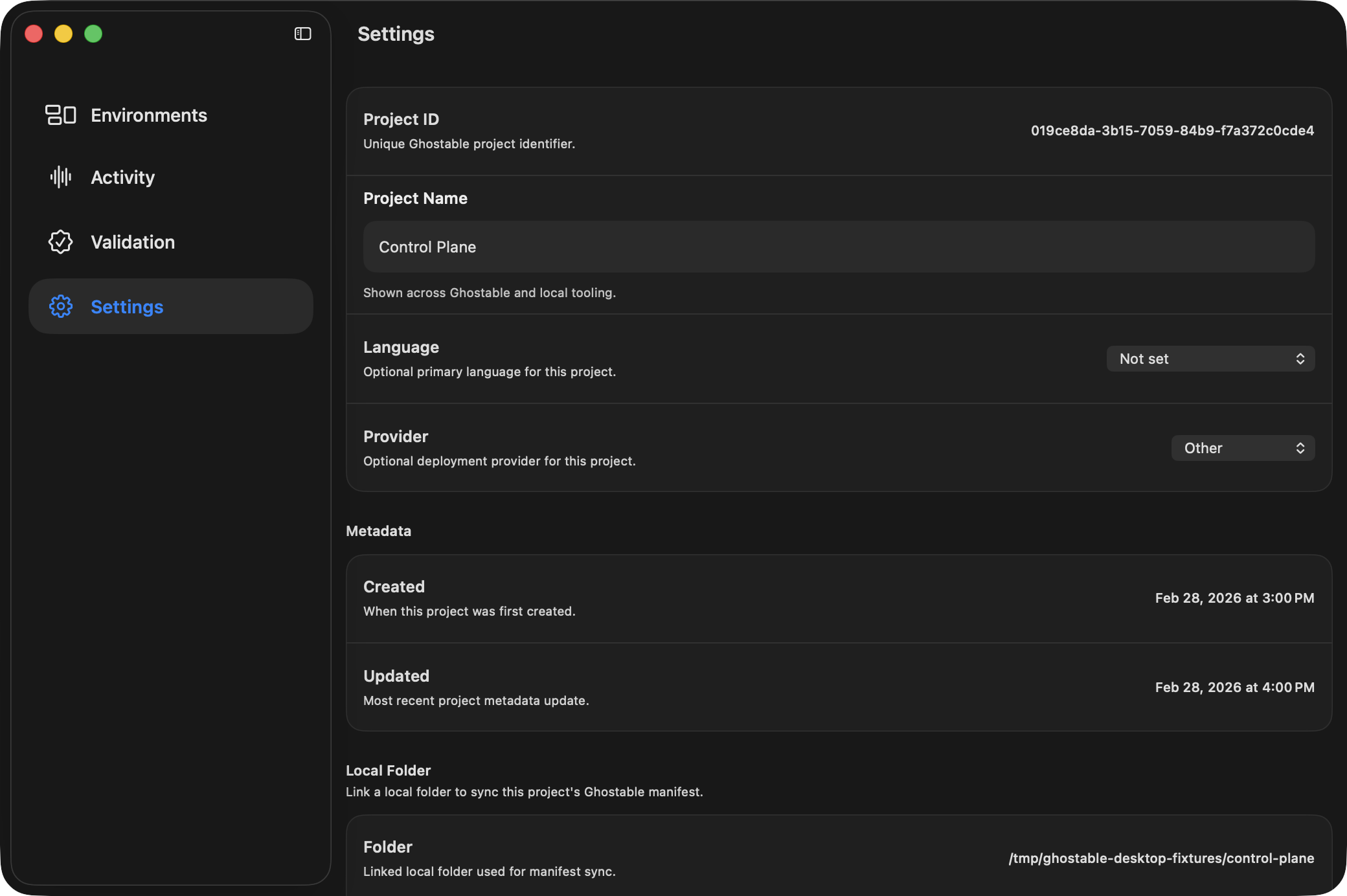
- Open the project window.
- Go to Settings.
- Confirm a local folder is linked.
- Click Sync Manifest in the Local Folder section.
Related Actions
Project Settings also lets you:- open the linked folder,
- open the manifest directly,
- change the linked folder,
- unlink the local folder entirely.
Continue
Link a folder first
Set up the local path before you rely on manifest sync.
CLI project init
Use the terminal workflow when you need to bootstrap the same manifest from a shell.