

Read the shared recovery model
Key re-sharing explains why a newly linked device may still be waiting for access.
Browser Login Never Finishes
- Make sure the browser flow completed with the same Ghostable account you expect in the app.
- Retry Continue in browser from the sign-in window.
- If your environment blocks the callback, fall back to the CLI for account recovery or confirm the browser can open local callbacks normally.
Touch ID Is Missing or Disabled
- Touch ID only appears on supported Macs.
- If Touch ID enrollment changed, sign in again through the browser and re-enable it from the app.
- Treat Touch ID as optional convenience, not as a required part of the login flow.
The App Keeps Asking to Link This Device
- Confirm the device-link step completed successfully.
- If the machine was revoked remotely, link it again.
- If the local secure storage was cleared, Ghostable must generate a fresh device identity.
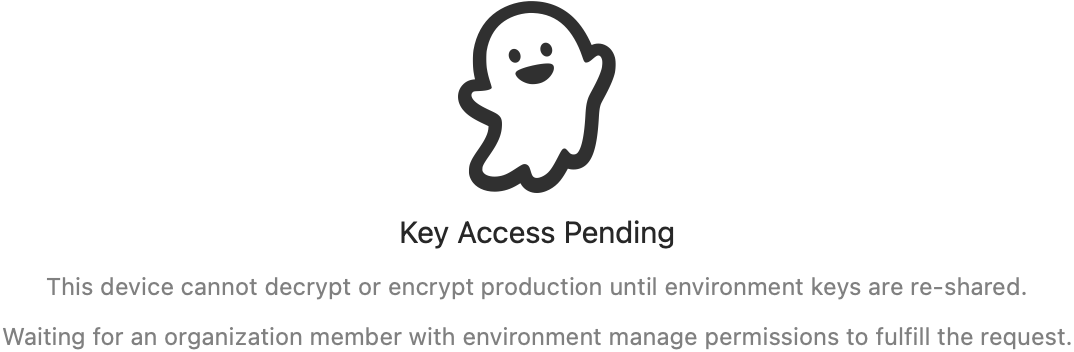
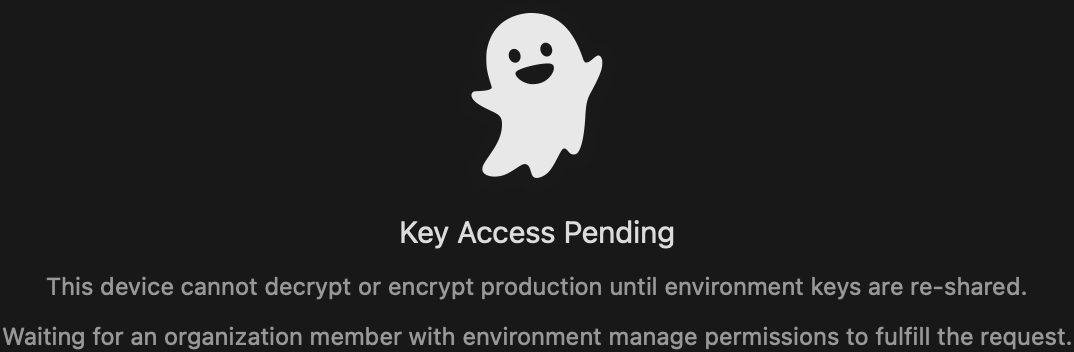
Key Access Is Pending
- The device is linked, but it does not yet have the environment key envelope.
- Ask an authorized teammate to fulfill the pending key re-share request.
- If you manage the environment and have another authorized device, fulfill the request from there.
Validation or Export Is Unavailable
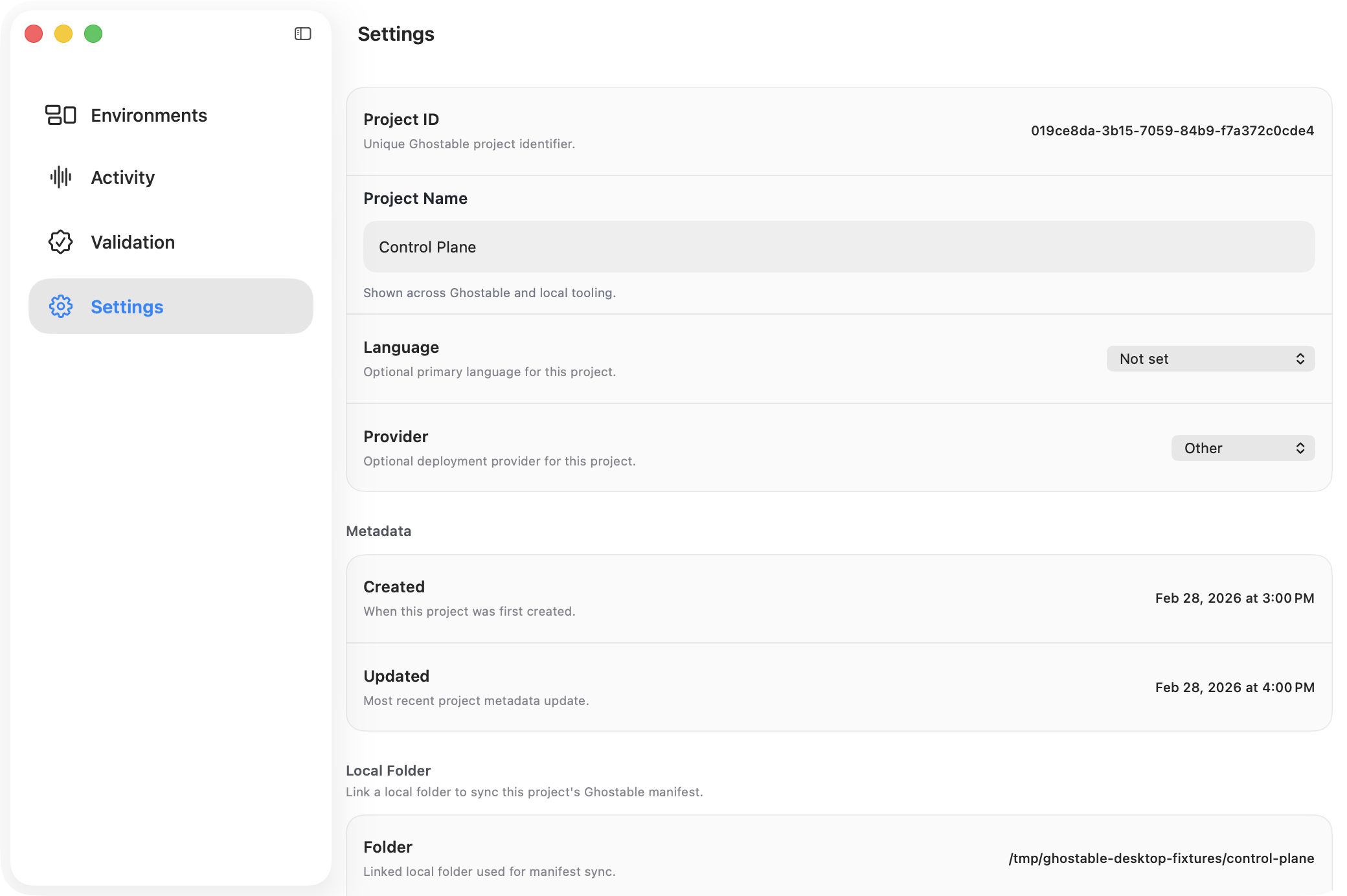
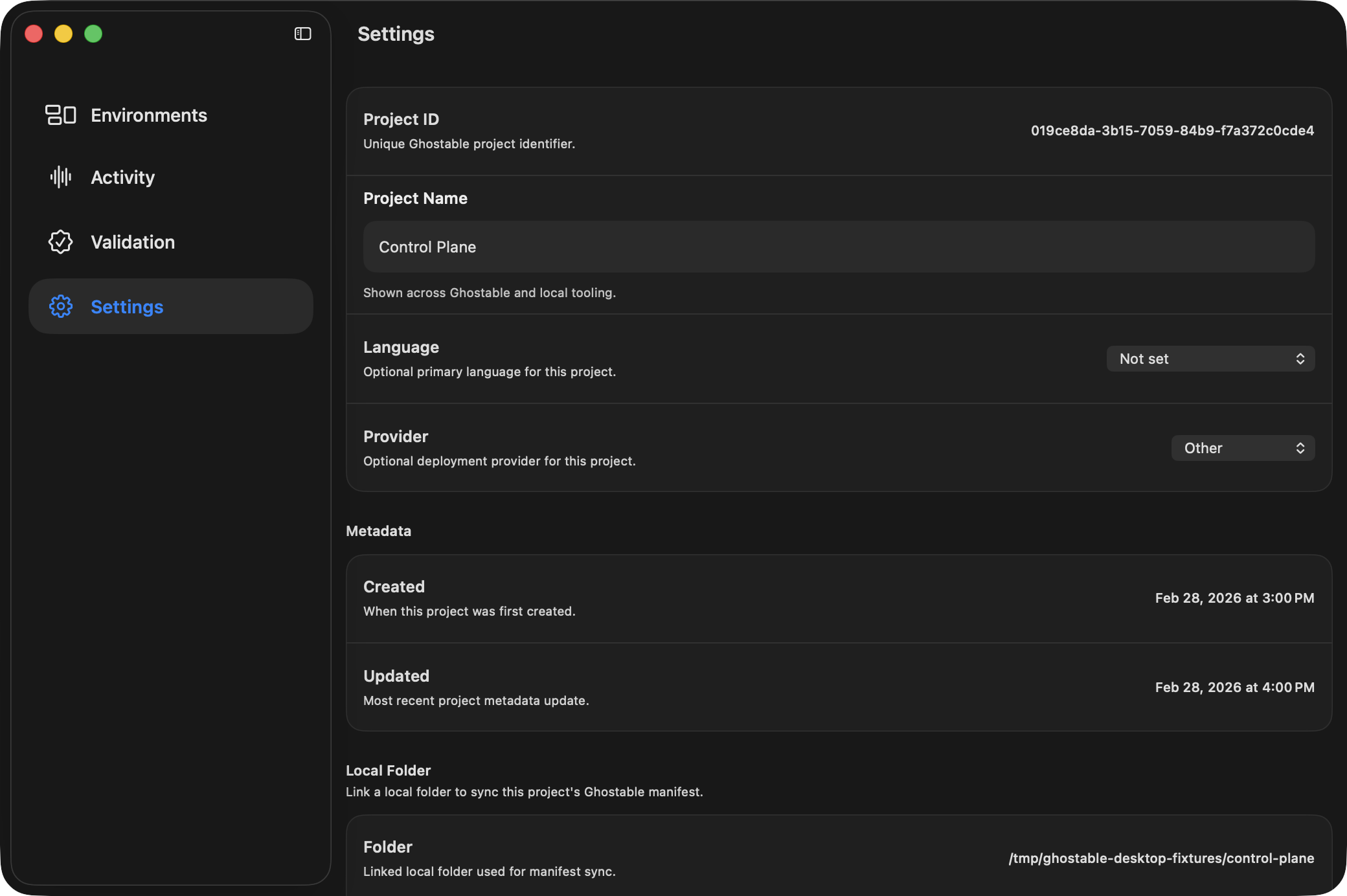
- Open Project Settings and confirm a local folder is linked.
- Confirm
.ghostable/ghostable.yamland any schema files exist in that folder. - Re-run Sync Manifest if the project metadata drifted.
Export Is Disabled in an Environment
- Export requires local decrypt access and a linked project folder.
- Resolve any pending key re-share request first.
- Then confirm the project folder is linked in Project Settings.