

Read the shared device model
Understand what a Ghostable device is before you register this Mac.
When This Appears
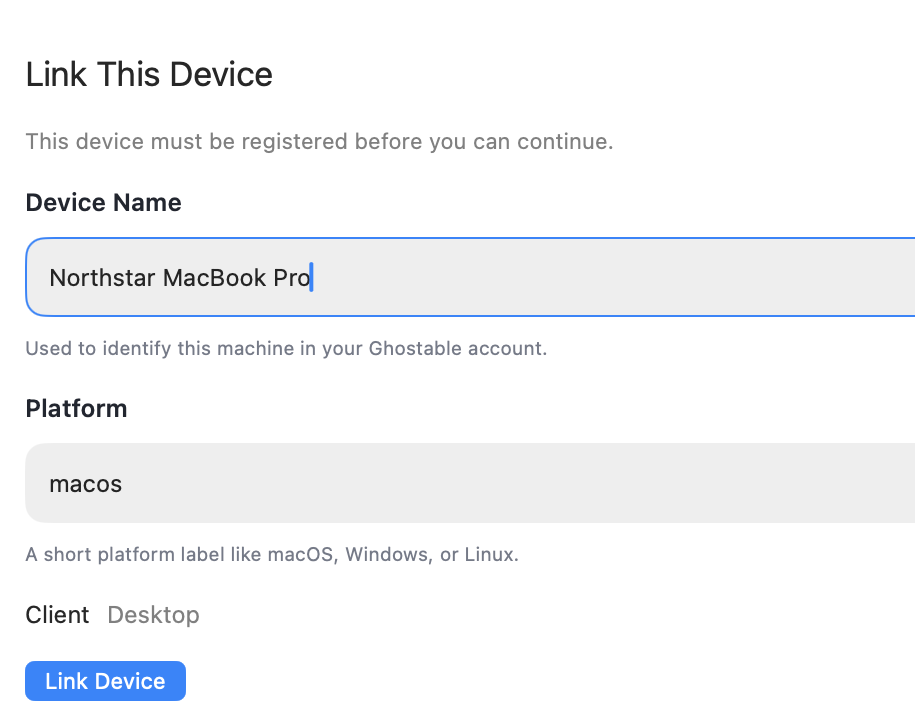
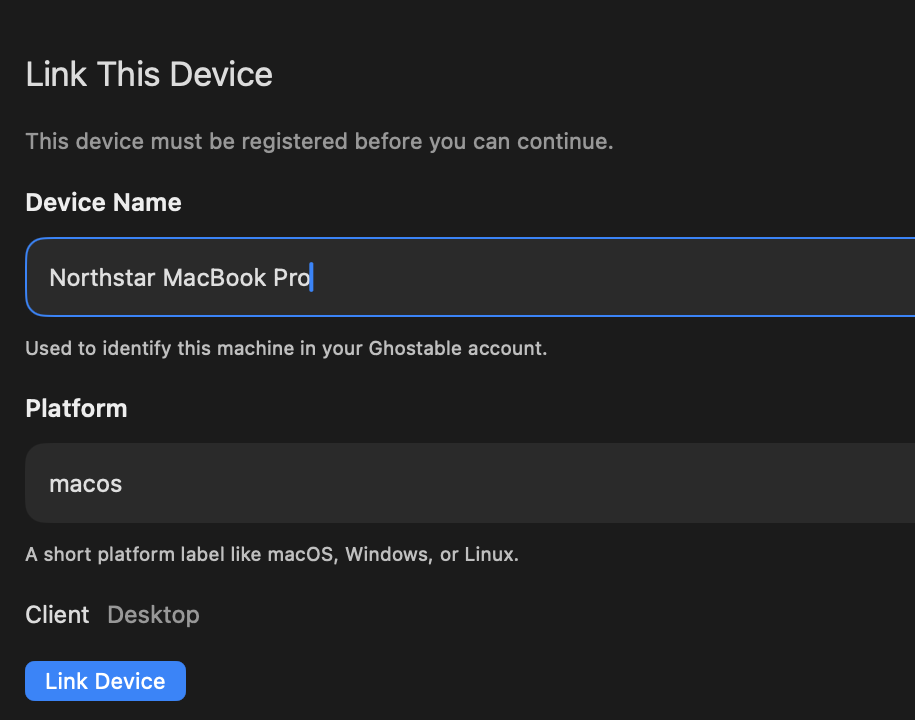
If the desktop app detects that the current session does not have a linked device, it blocks environment workflows and opens Link This Device.Fill in the Device Details
The form asks for:- Device name
- Platform
- Client, which is fixed to
Desktop
Link the Mac
Click Link Device. The desktop app creates the local key material for this device, stores the private material in the Mac’s secure storage, and registers the public identity with Ghostable.If Access Is Still Pending
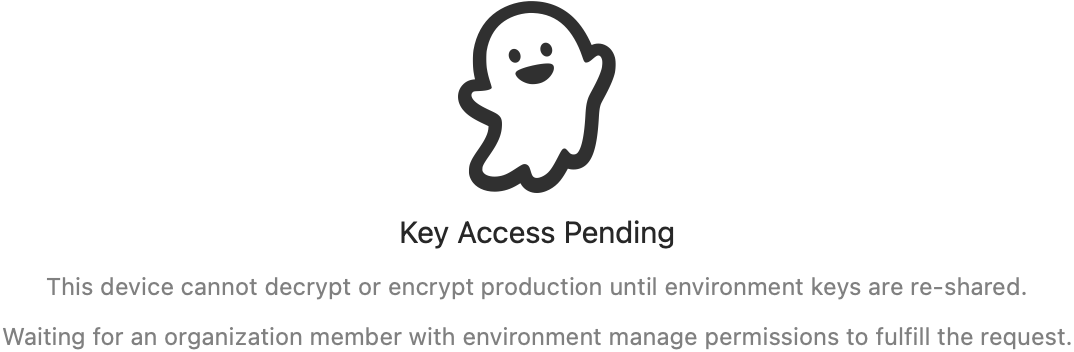
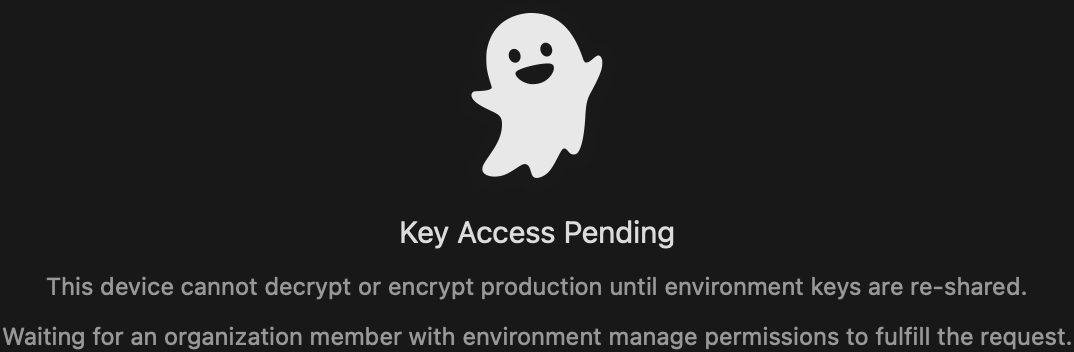
A newly linked device may still need a key re-share before it can read existing environment data. In that state, the app will show a waiting experience instead of letting you open decrypted values. Use one of these paths:- Ask an authorized teammate to fulfill the key re-share request.
- If you are authorized and already have another trusted device, fulfill it from there.
- Fall back to the CLI command shown in the app when needed.
Continue
Troubleshoot access issues
Fix common link, auth, and pending key-access problems.
Open environments
Start browsing variables once the device is trusted and key access is available.